
Architecture
The project is organized around a clear editor/runtime split, with an optional AI extension layered on top of the same graph and JSON workflow.
Repository structure
| Path | Responsibility |
|---|---|
Assets/DialogGraphSystem/Scripts/Runtime | Playback, UI, settings, history, transcripts, utilities. |
Assets/DialogGraphSystem/Scripts/Editor | Graph authoring, import/export, settings editor, GraphView tooling. |
Assets/DialogSystemAIExtension | Optional preview-first AI authoring assistance and provider infrastructure. |
Runtime data flow
Game code or UI event
    -> DialogManager.PlayDialogByID
    -> DialogGraph lookup
    -> Graph traversal
    -> DialogUIController
    -> DialogActionRunner
    -> OnLineShown / OnChoicePicked
    -> DialogueHistory
    -> Branch path tracking
    -> DialogGraphTranscriptBuilder
Editor authoring flow
DialogGraphLauncherWindow
    -> DialogGraphEditorWindow
    -> DialogGraphView
    -> Node views and edges
    -> DialogGraph asset plus node sub-assets
    -> Save / Load / Undo
Main extension points
IActionHandlerimplementations for custom gameplay actionsDialogActionRunnerconversation and global action sets- replacement or extended UI around
DialogUIController - new reveal effects implementing
ITextRevealEffect - new transcript build modes in
DialogGraphTranscriptBuilder - new AI provider definitions derived from
LlmProviderDefinitionBase
Coupling and technical debt notes
- The runtime relies on specific
Resourcespaths for settings and demo assets. - The AI extension integrates into the main system through editor bridge code and string-based type loading in a few places.
- The graph authoring flow depends on
UnityEditor.Experimental.GraphView, which works but is not future-proof long term. - Several systems assume the included prefab structures or field wiring patterns, so prefab replacement should be done carefully.
Suggested visuals
Graph editor overview
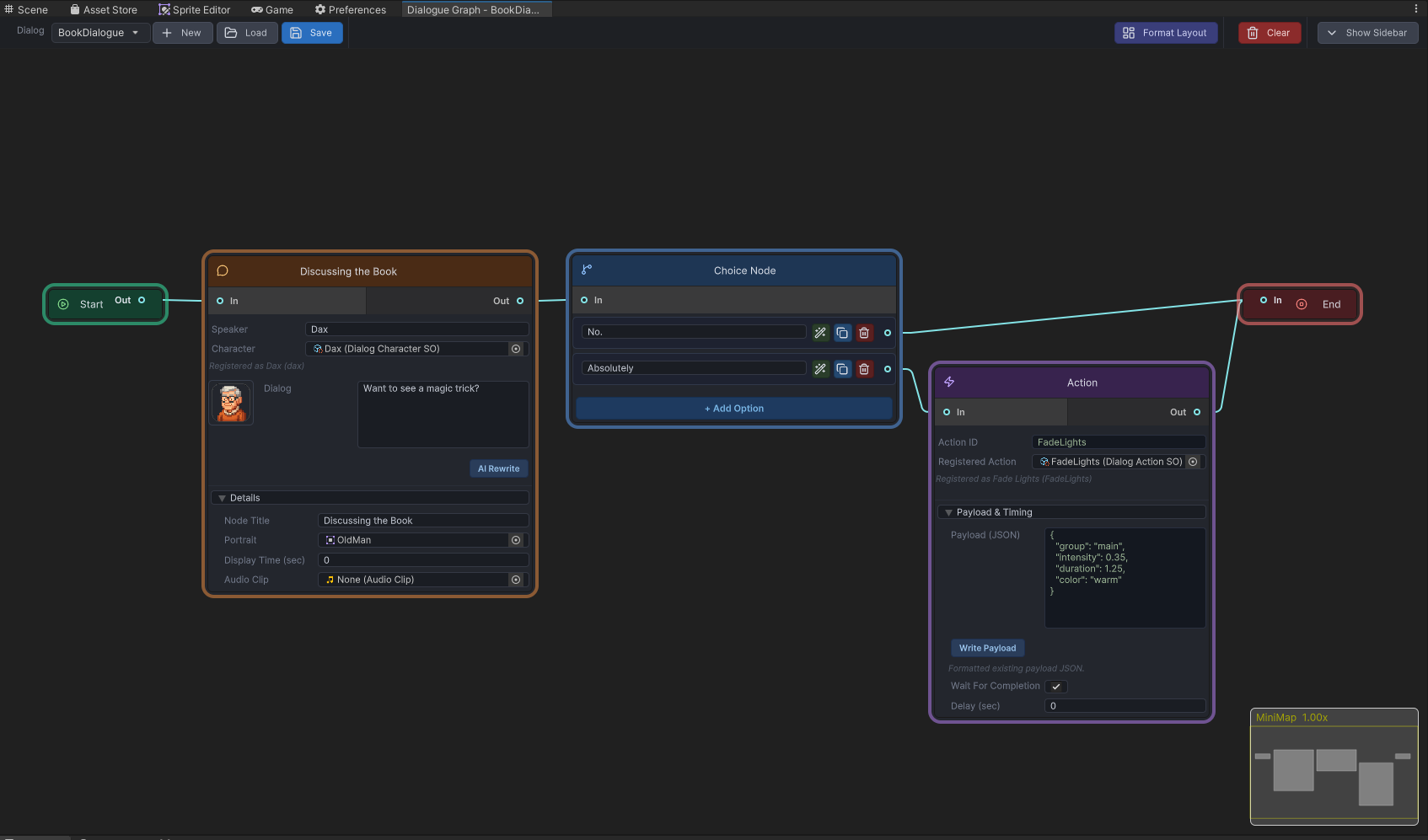
Best visual anchor for the editor/runtime split.
AI extension sidebar
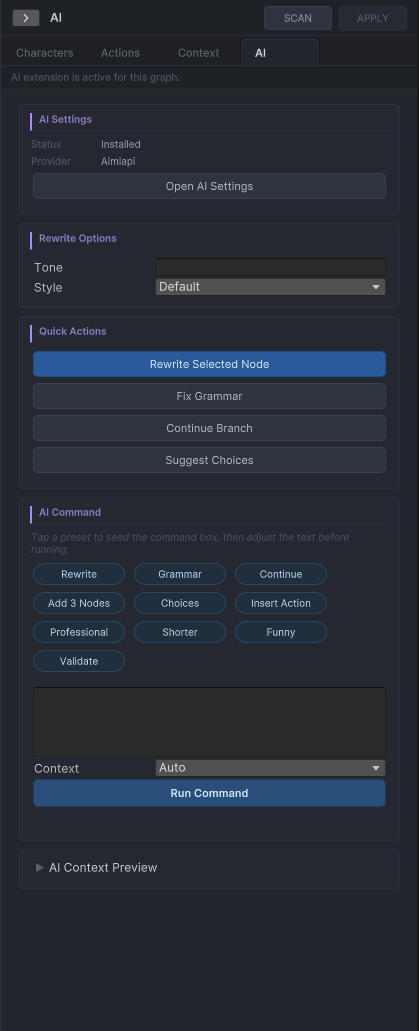
Useful if you want the architecture page to show the optional extension layer.