Home / 4.0 screenshots DGS 4.0 screenshots
Clean native Unity editor screenshots supplied by the product author. Browse the actual windows beside the live documentation examples. The original PNG files are preserved unchanged.
These user-supplied captures document the displayed editor state. Sample graphs, assignments and diagnostics belong to the captured project. Capture dates and exact Unity patch versions were not supplied; screenshots alone do not verify audio playback or provider connectivity.
Follow the steps in Dialogue setup , Banter setup , Walla setup , AI Providers setup , or AI Extension setup .
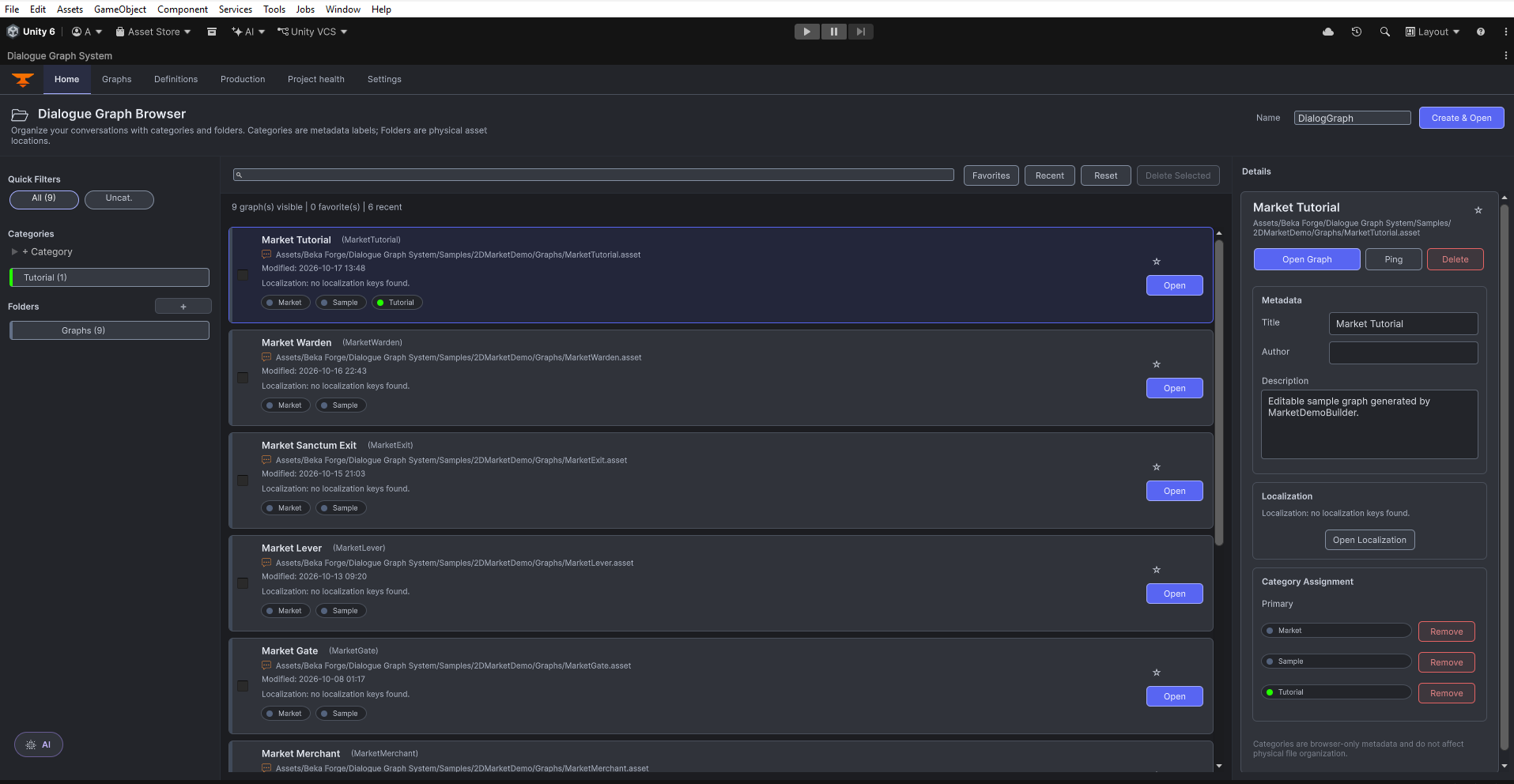
Home, graph and nodes Dialogue Graph Browser on Home, with nine graphs and Market Tutorial selected. Open original PNG
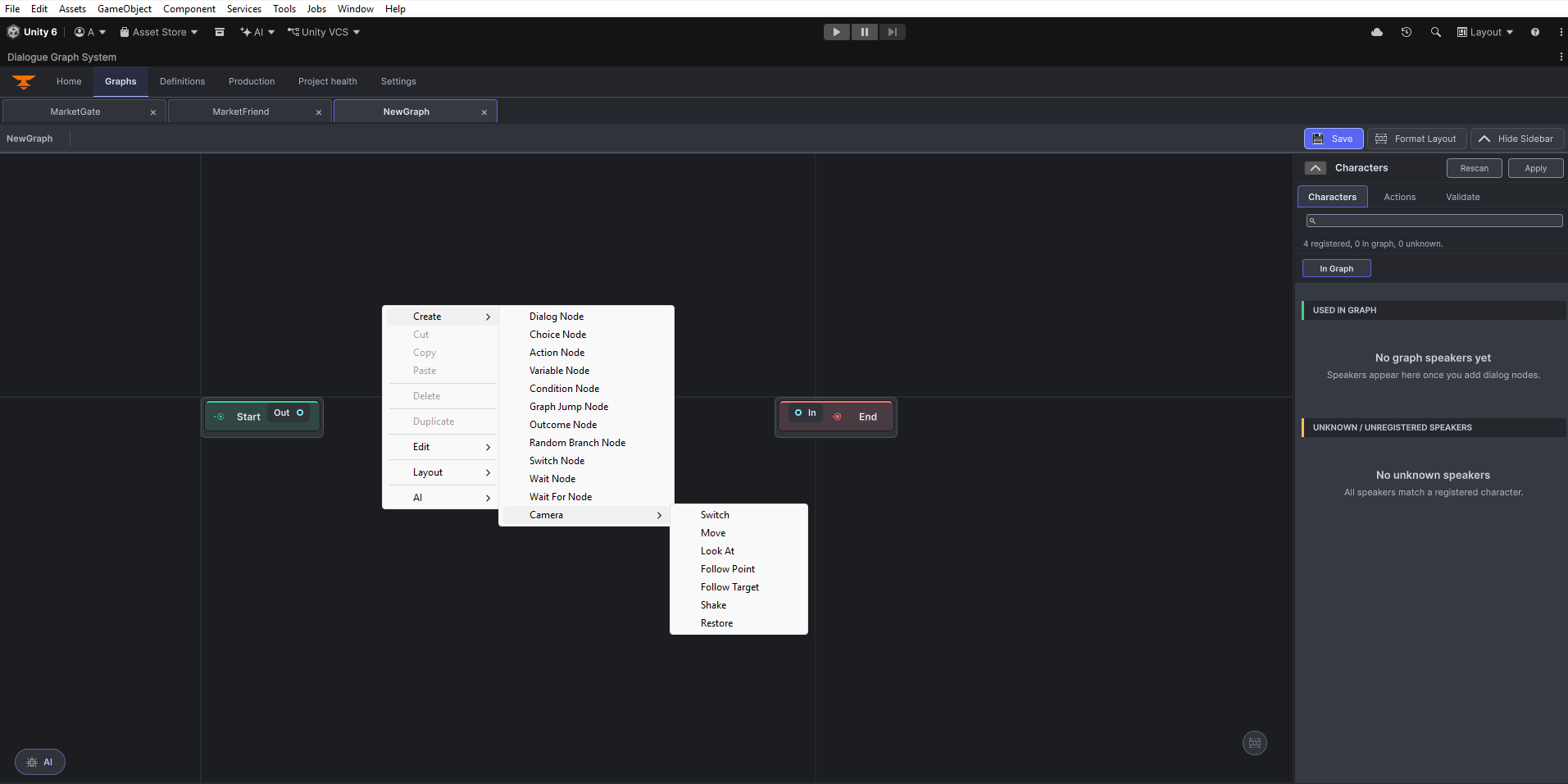
Graph canvas with the node creation menu open. Open original PNG
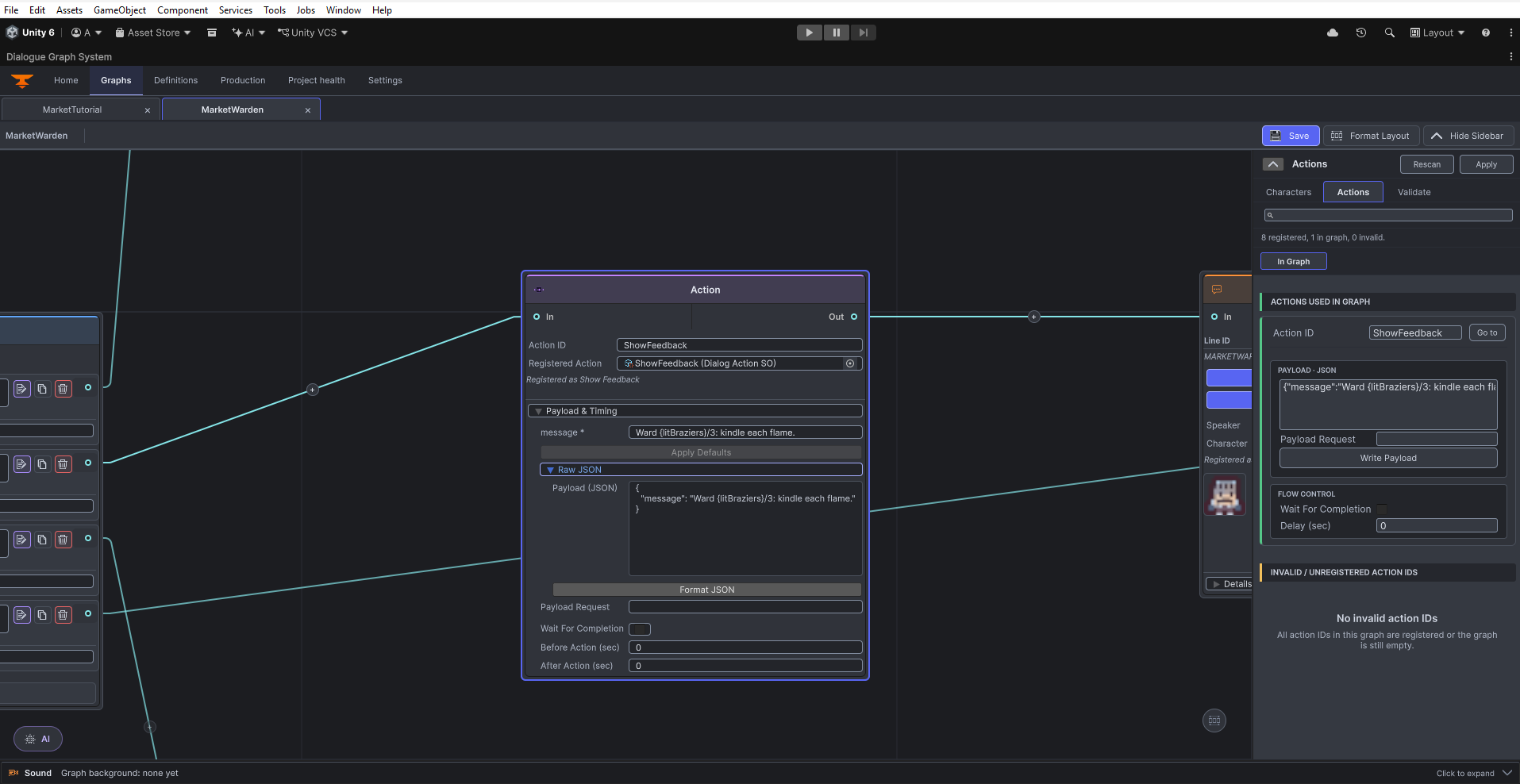
Action node authoring controls in the graph editor. Open original PNG
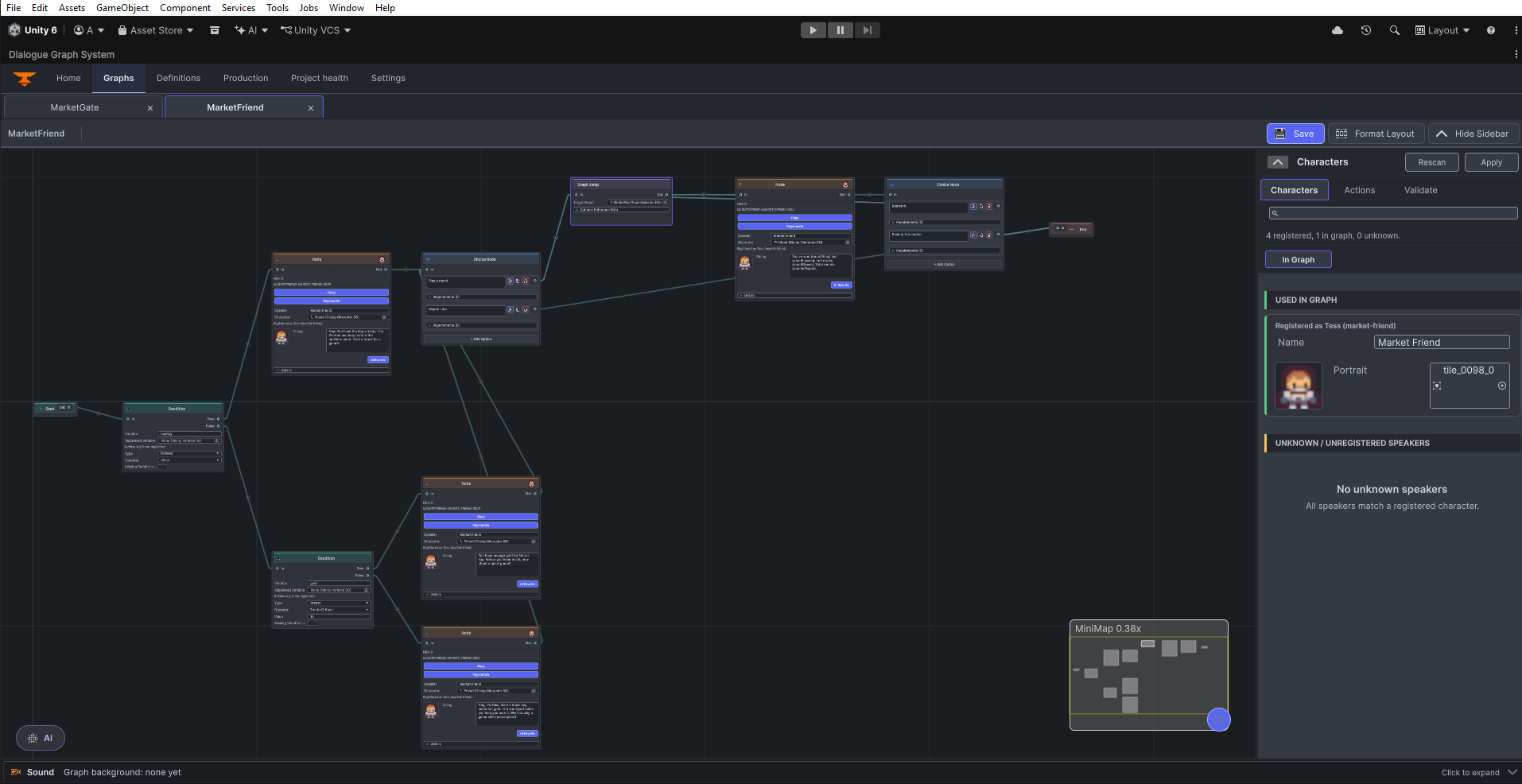
MarketFriend graph overview with authored nodes, links, minimap and Characters sidebar. Open original PNG
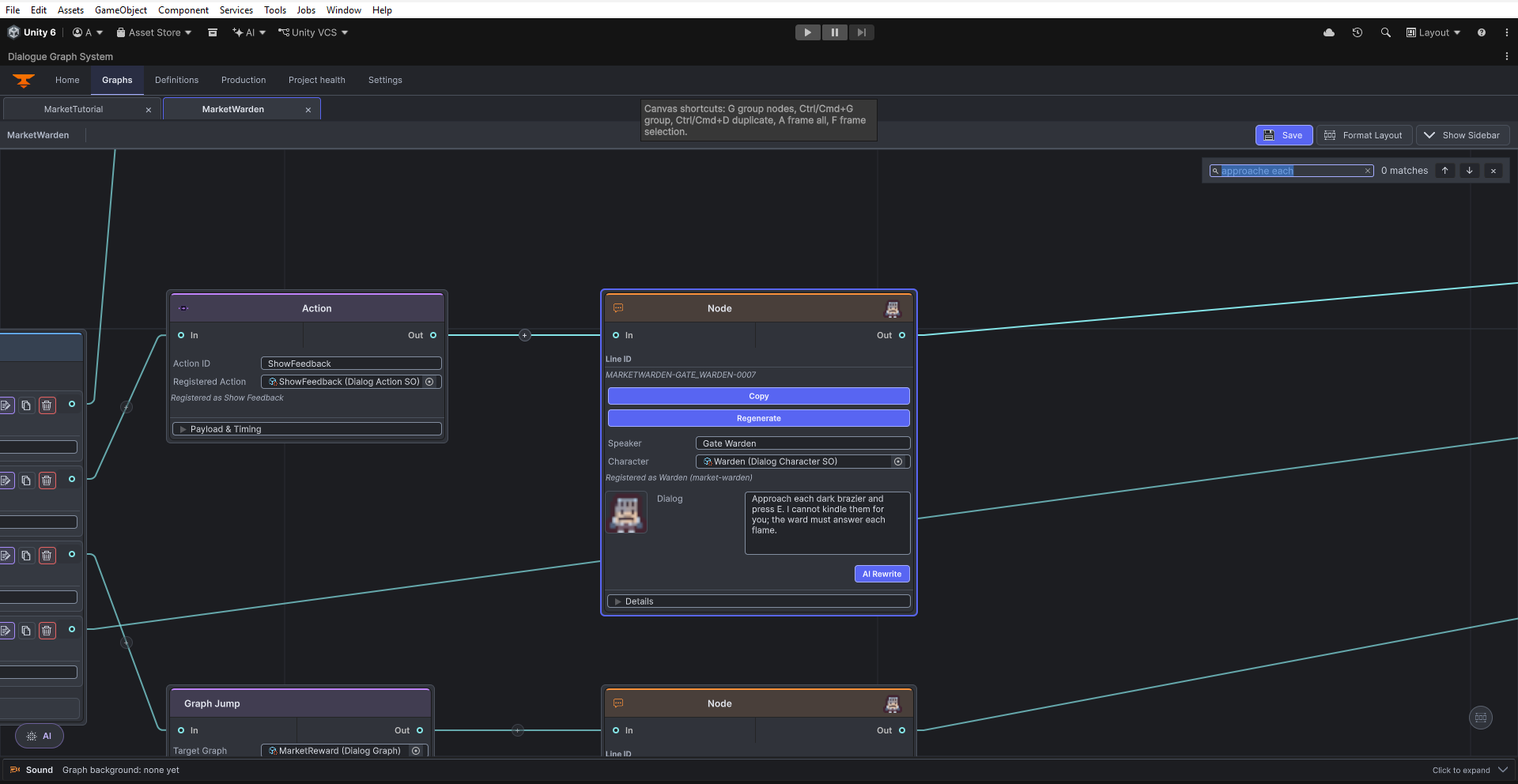
Graph search and canvas-shortcut help in the MarketWarden graph. Open original PNG
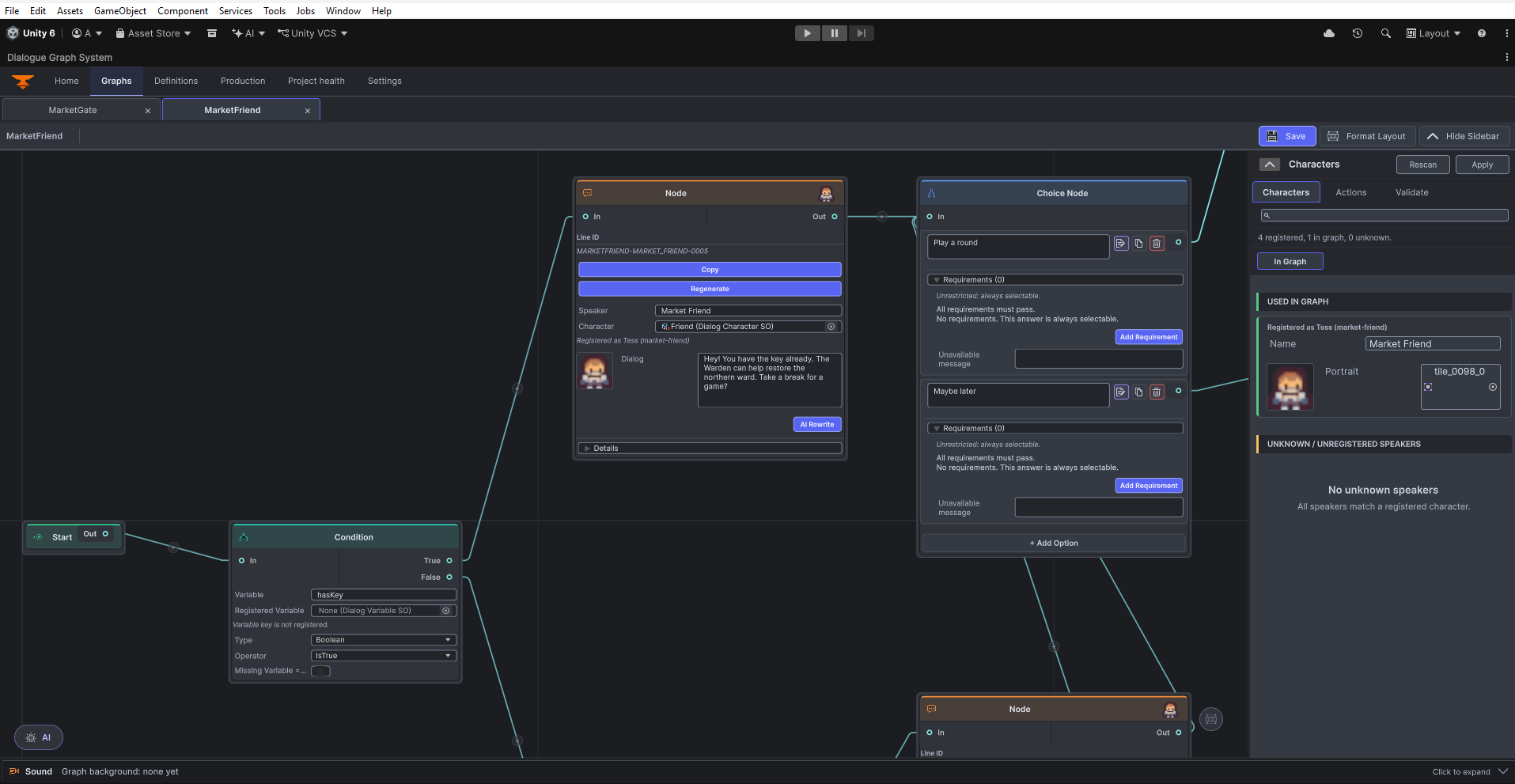
MarketFriend graph close-up with Dialog, Choice and Condition cards and the Characters sidebar. Open original PNG
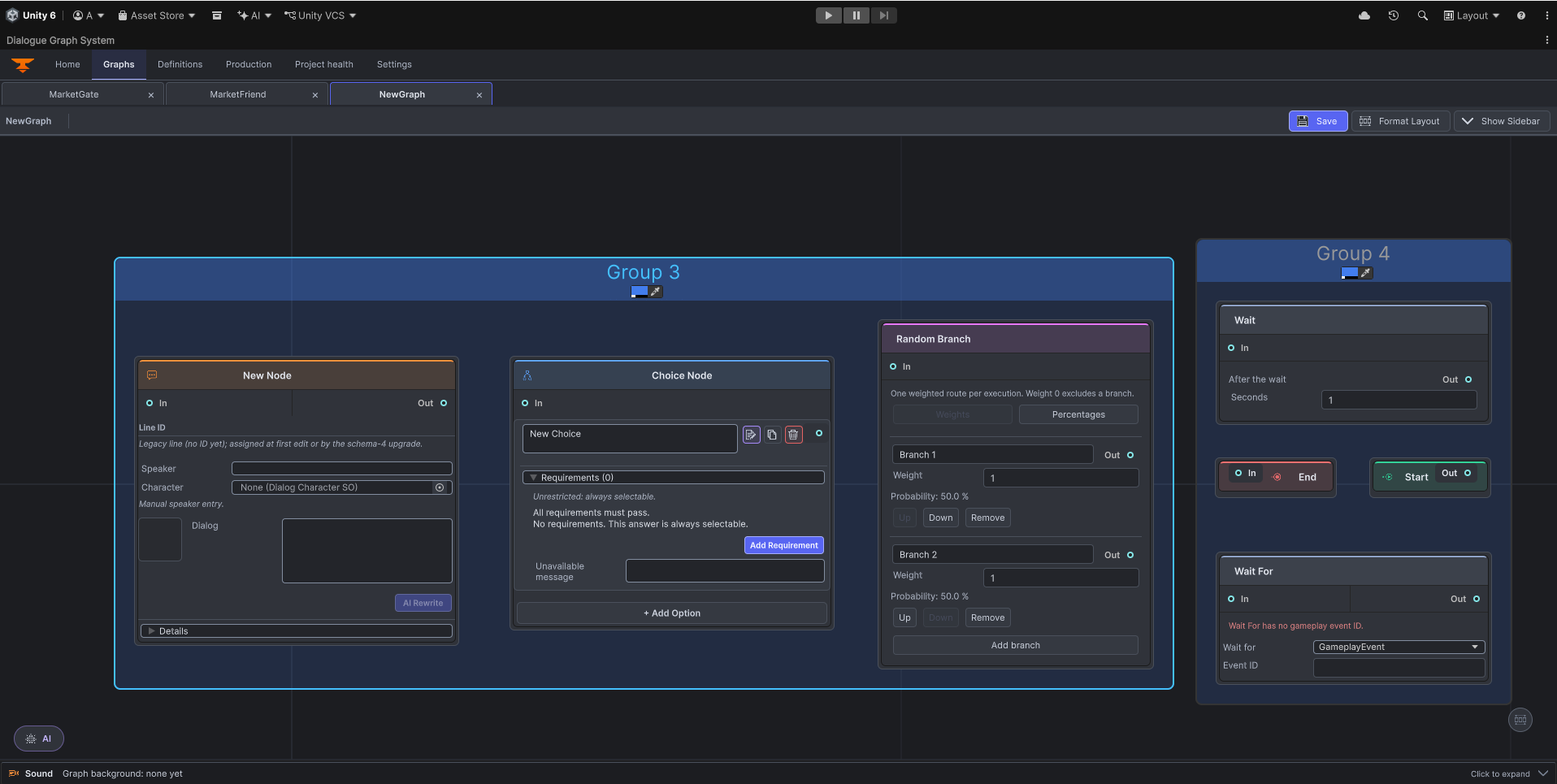
Native Dialog, Choice, Random Branch, Wait, Wait For, Start and End layouts. The empty Wait For example visibly warns that its Event ID is missing. Open original PNG
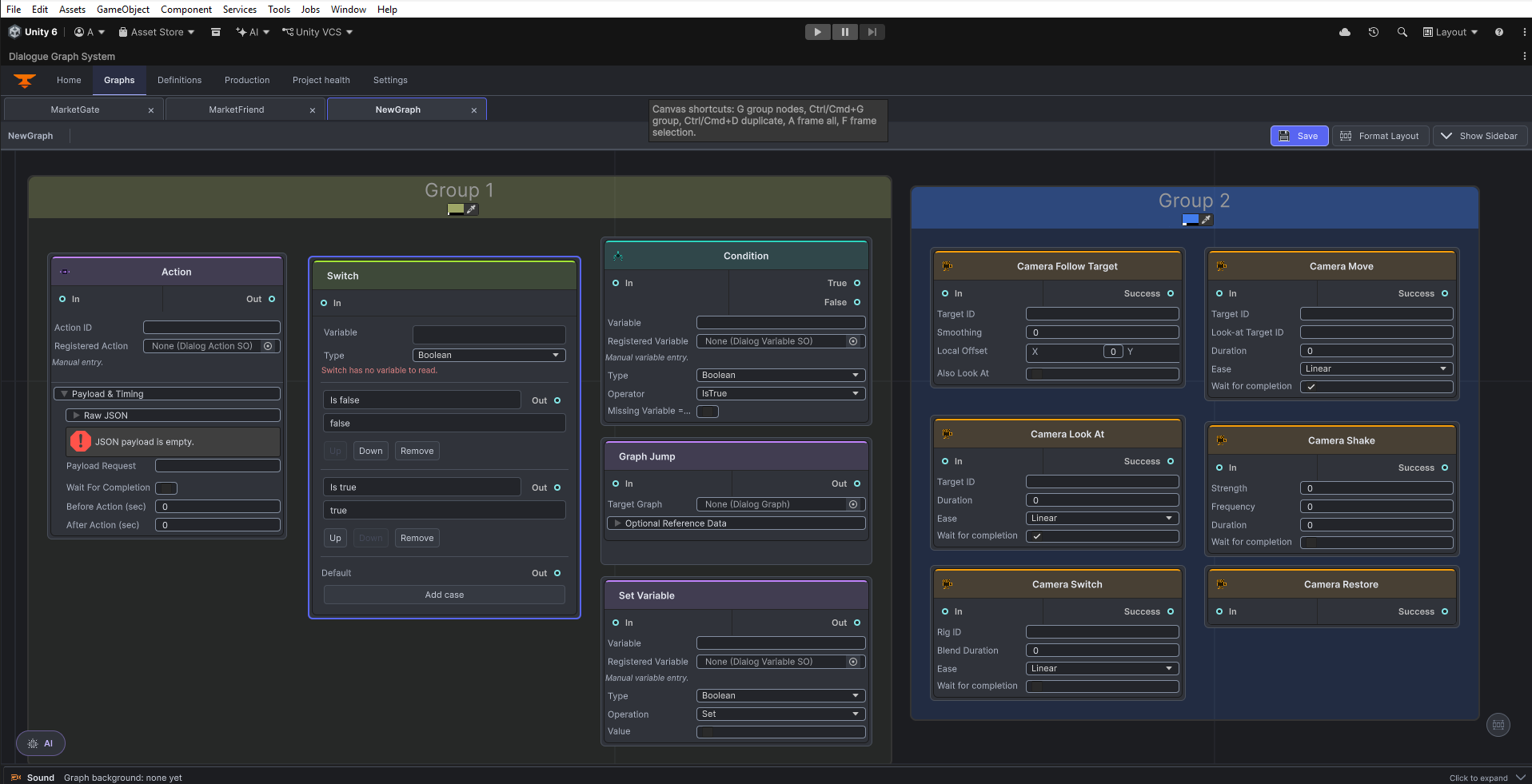
Native Action, Switch, Condition, Graph Jump, Set Variable and six camera layouts. Empty Action payload and Switch variable warnings are visible in these field examples. Open original PNG
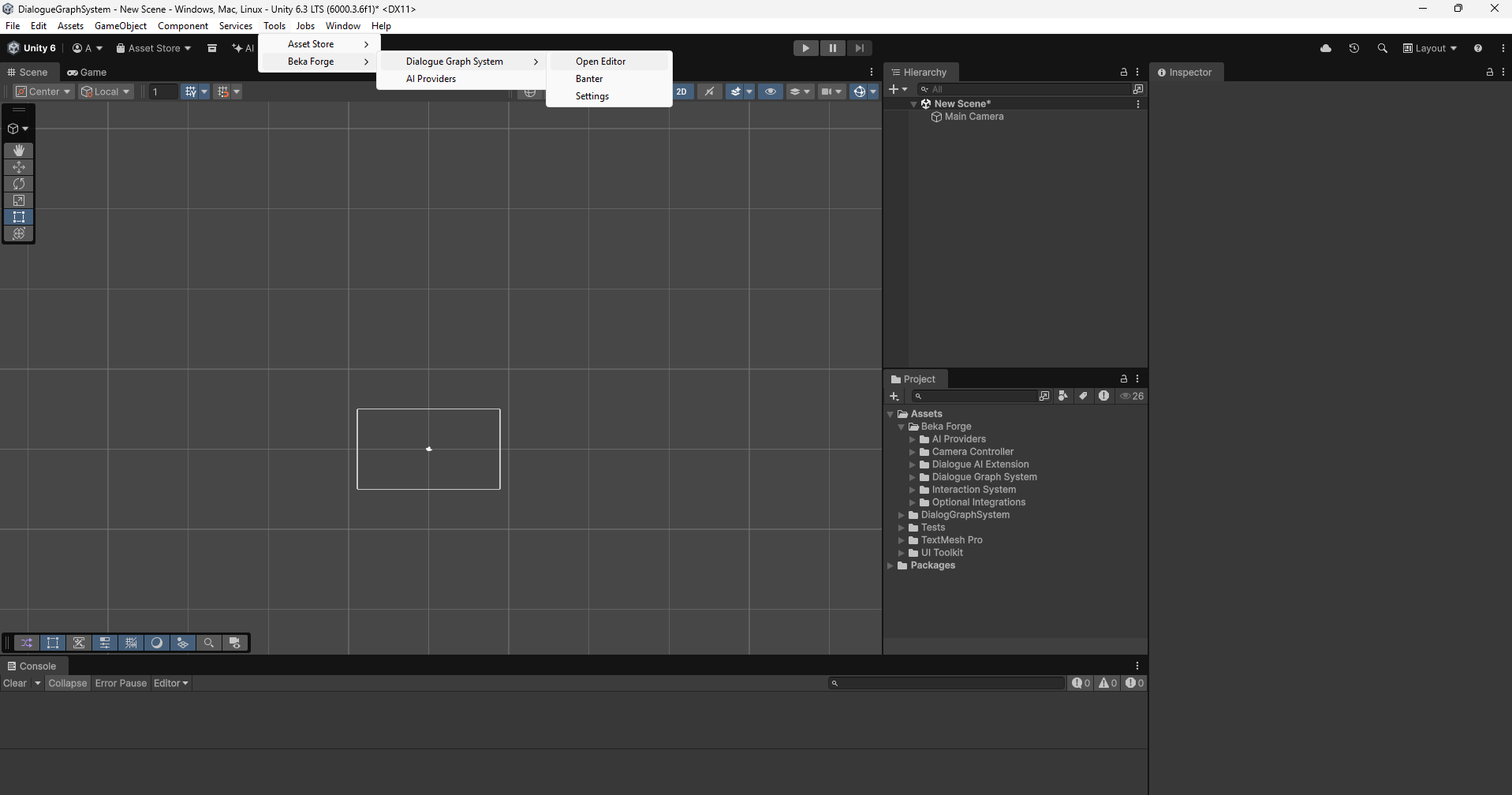
Unity menu entry for opening the Dialogue Graph System editor. Open original PNG
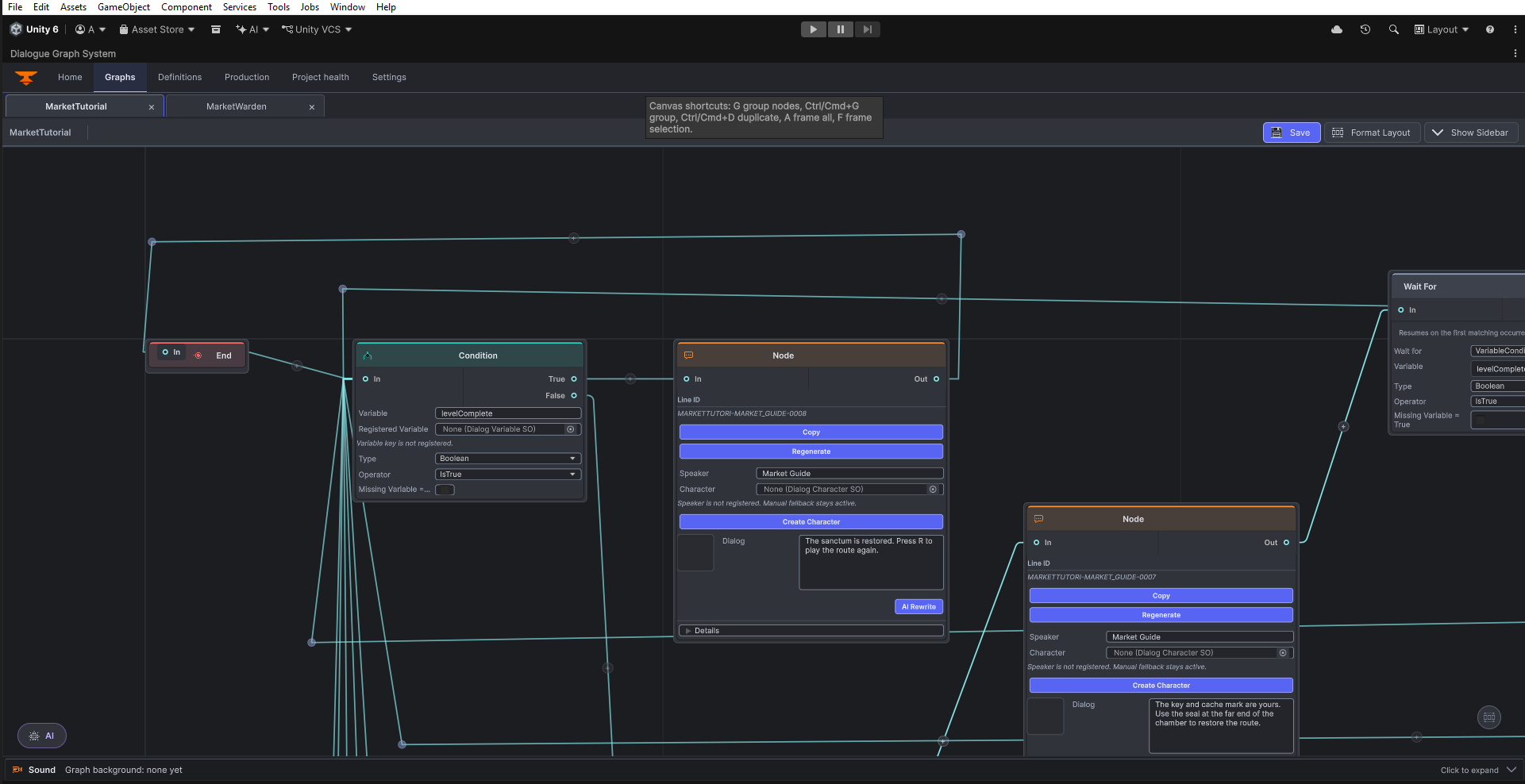
Graph editor connections and reroute points. Open original PNG
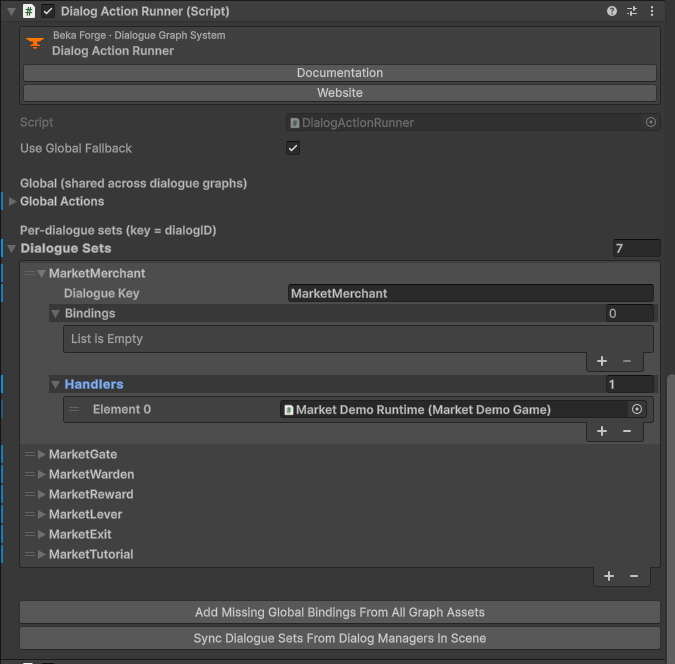
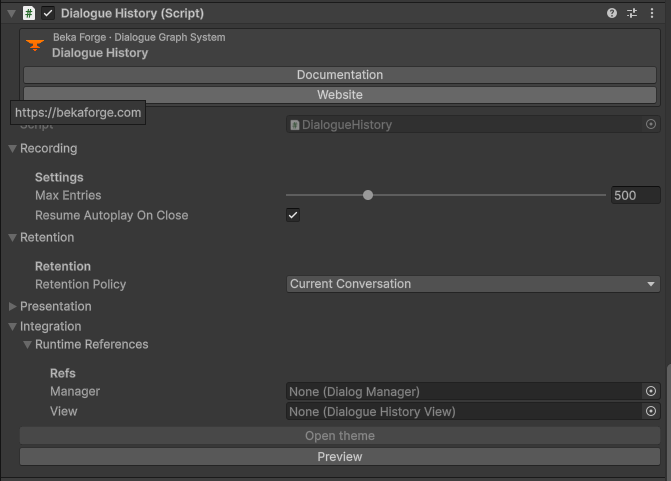
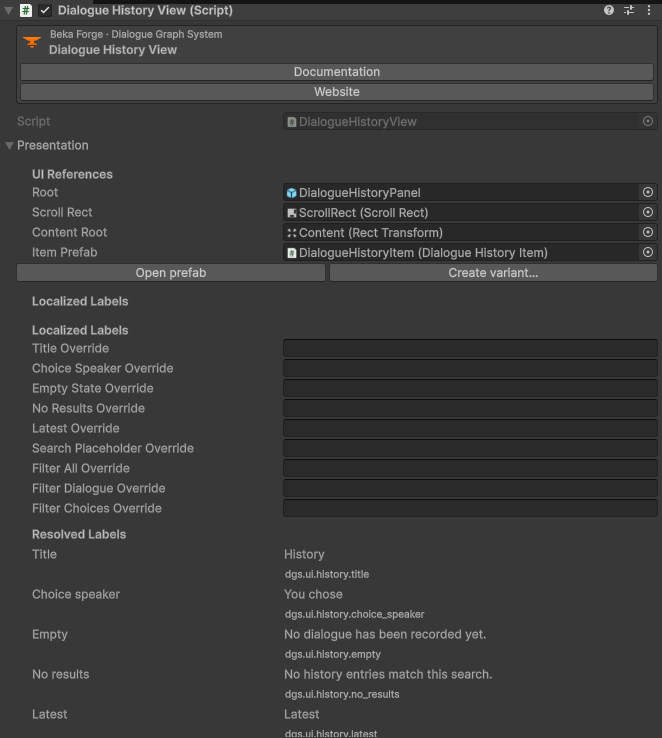
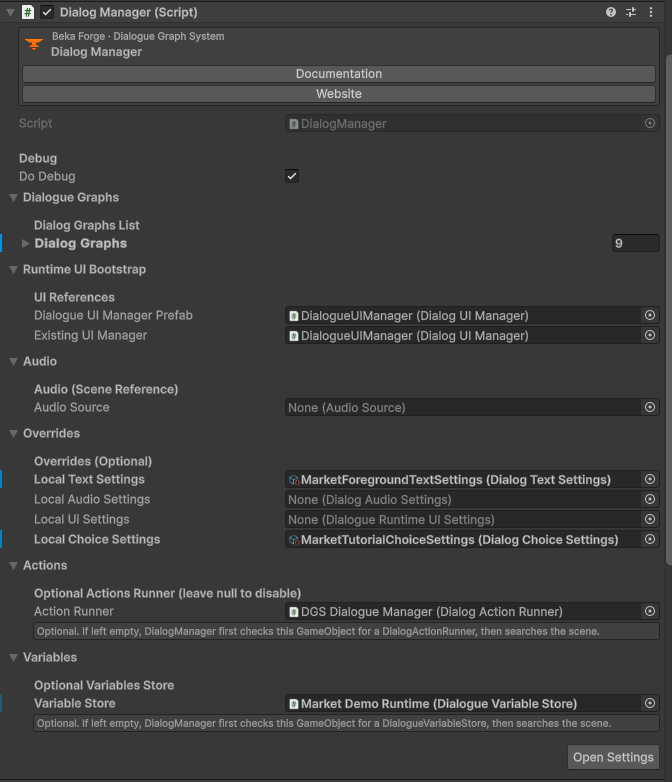
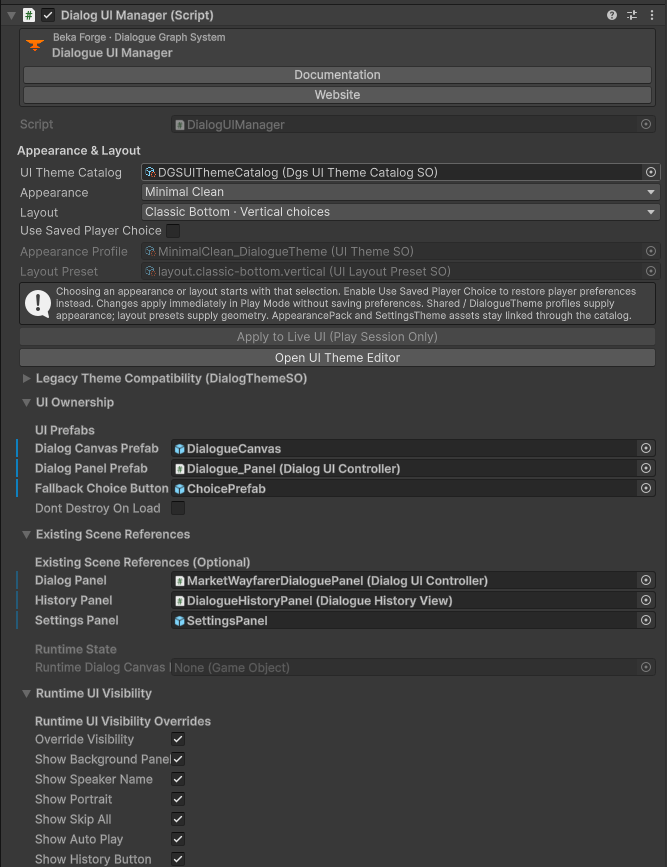
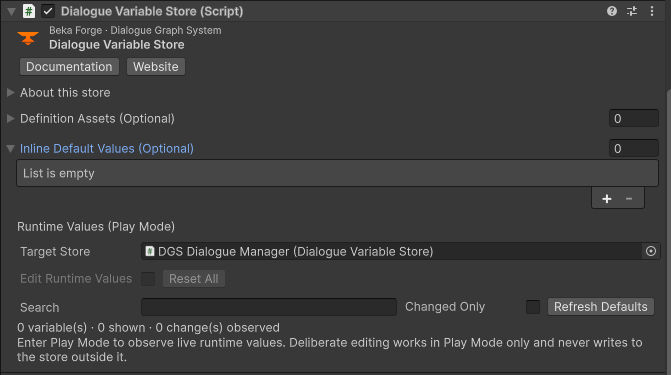
Component Inspectors
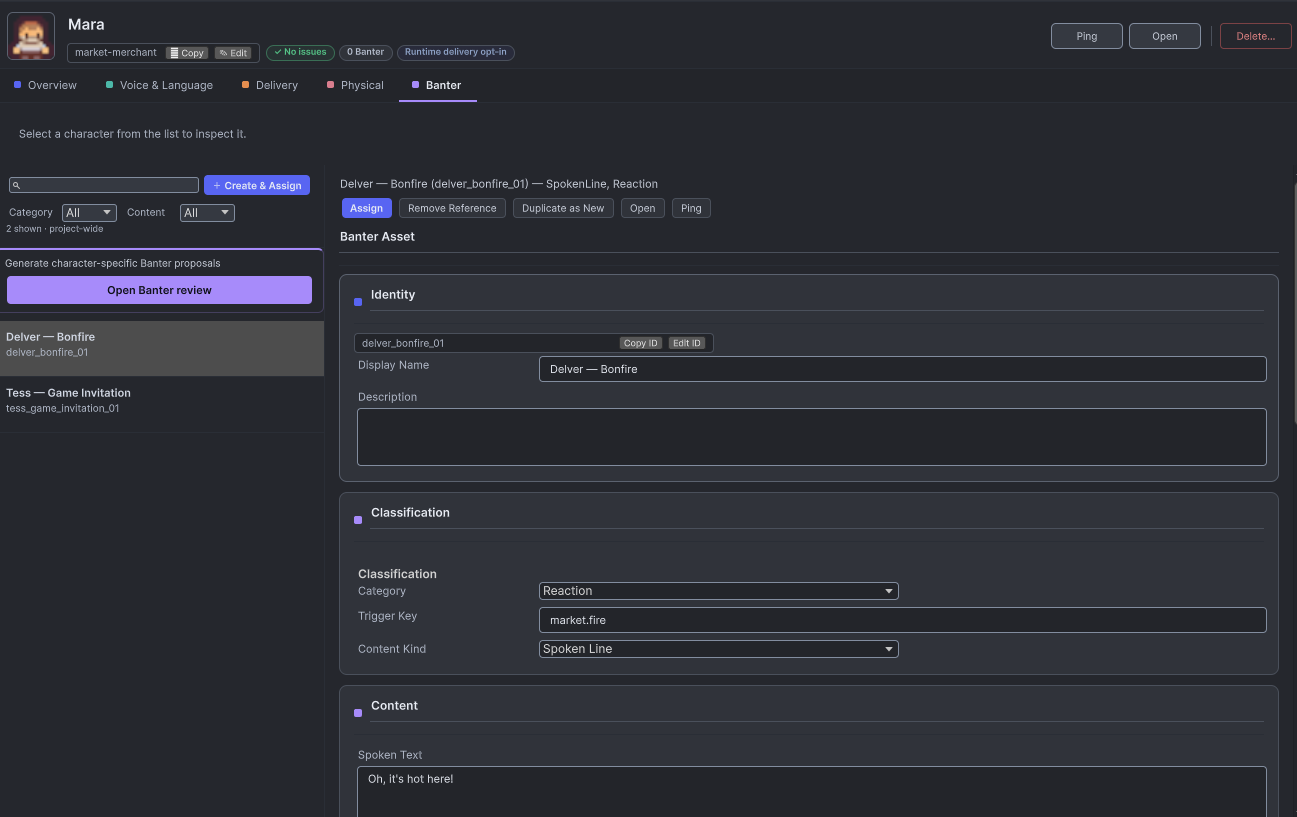
Characters and Banter Character Banter asset editor, first portion of the content and variant controls. Open original PNG
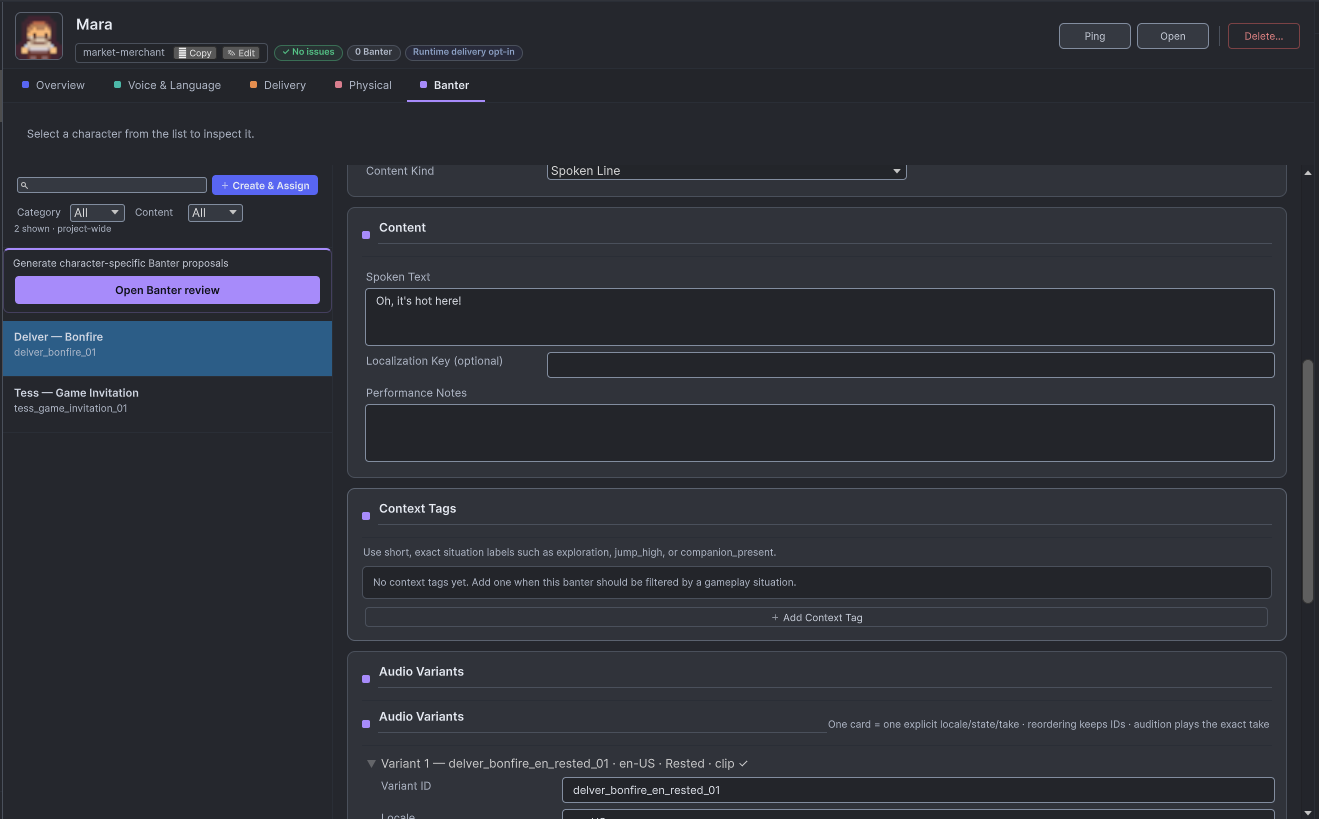
Character Banter asset editor, second portion of the content and variant controls. Open original PNG
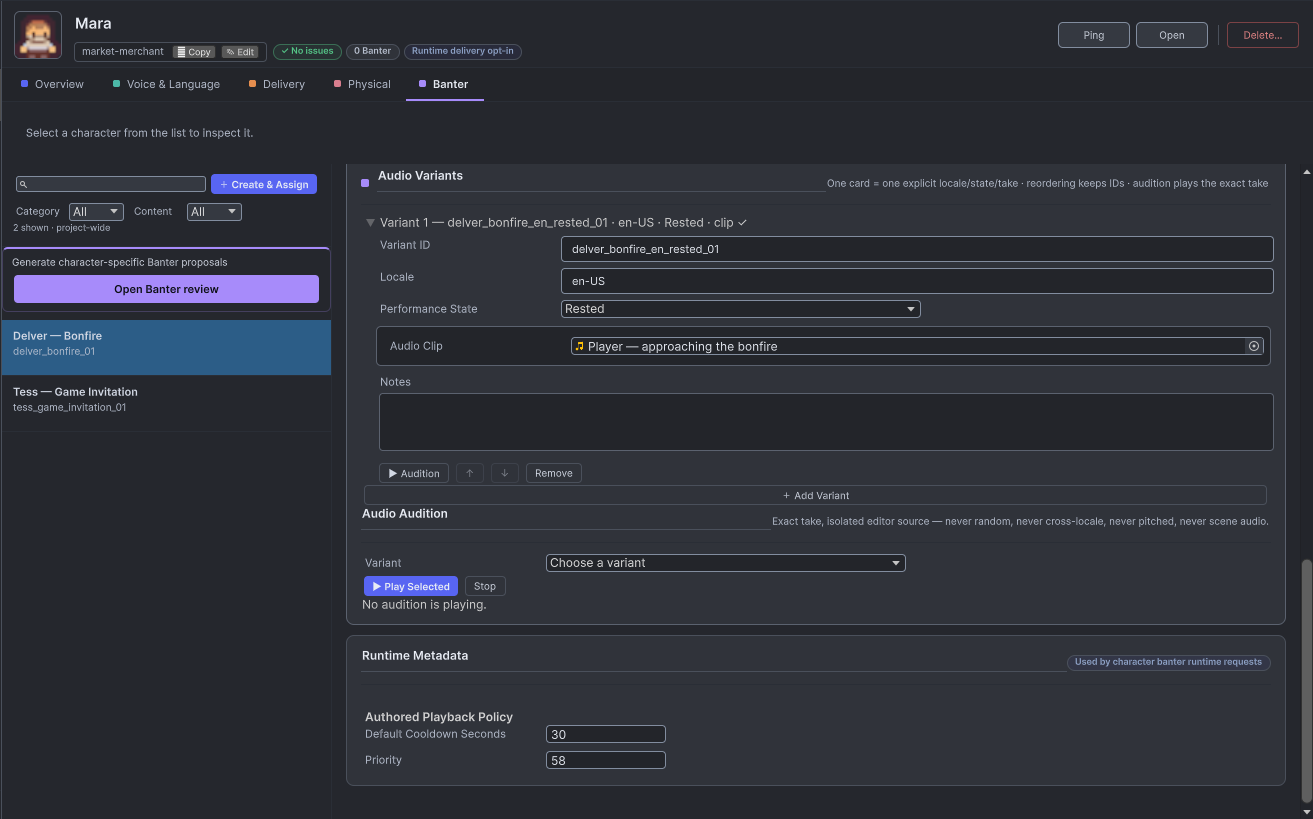
Character Banter asset editor, third portion of the content and variant controls. Open original PNG
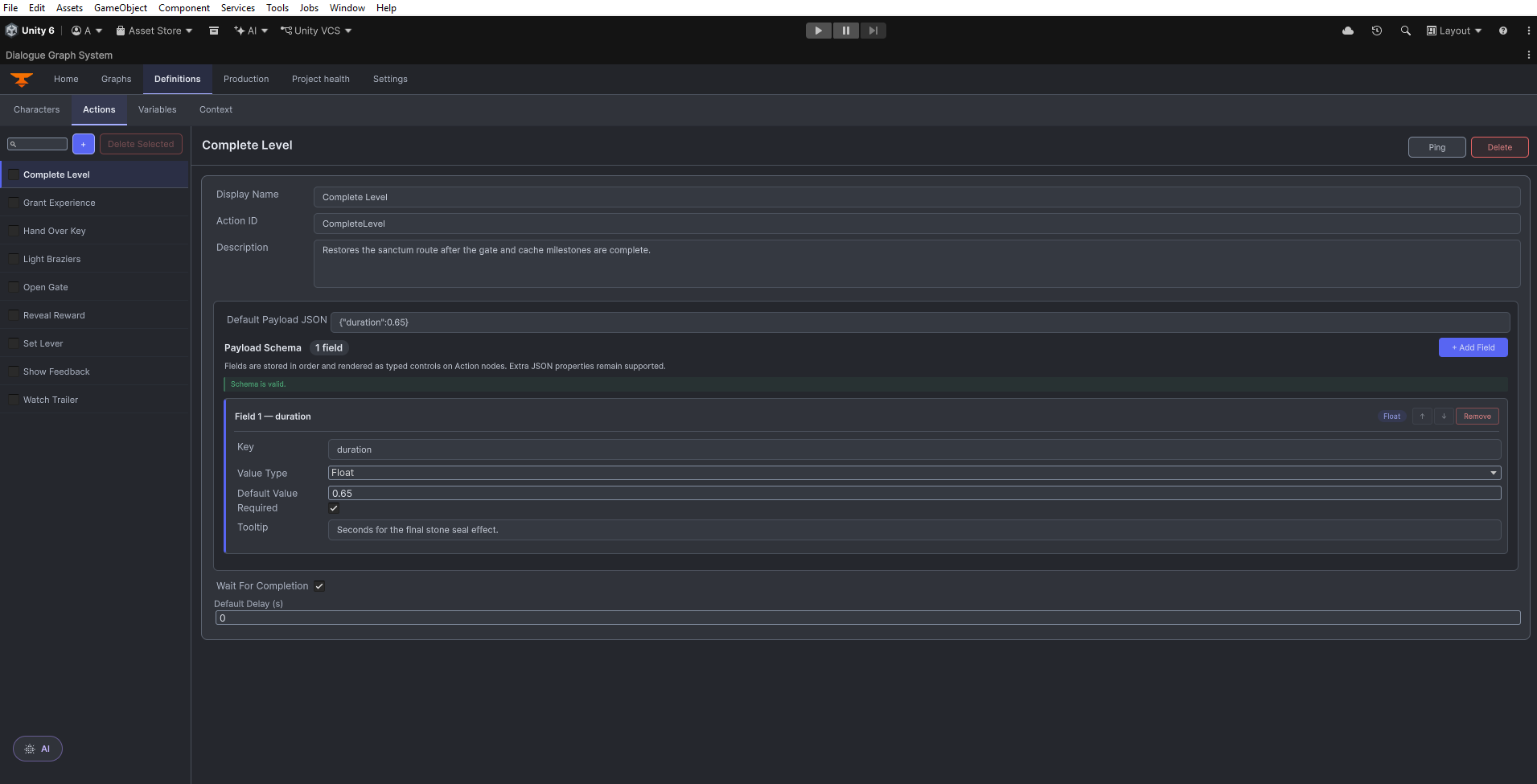
Definitions workspace, Character action controls. Open original PNG
Definitions workspace, Character Banter overview. Open original PNG
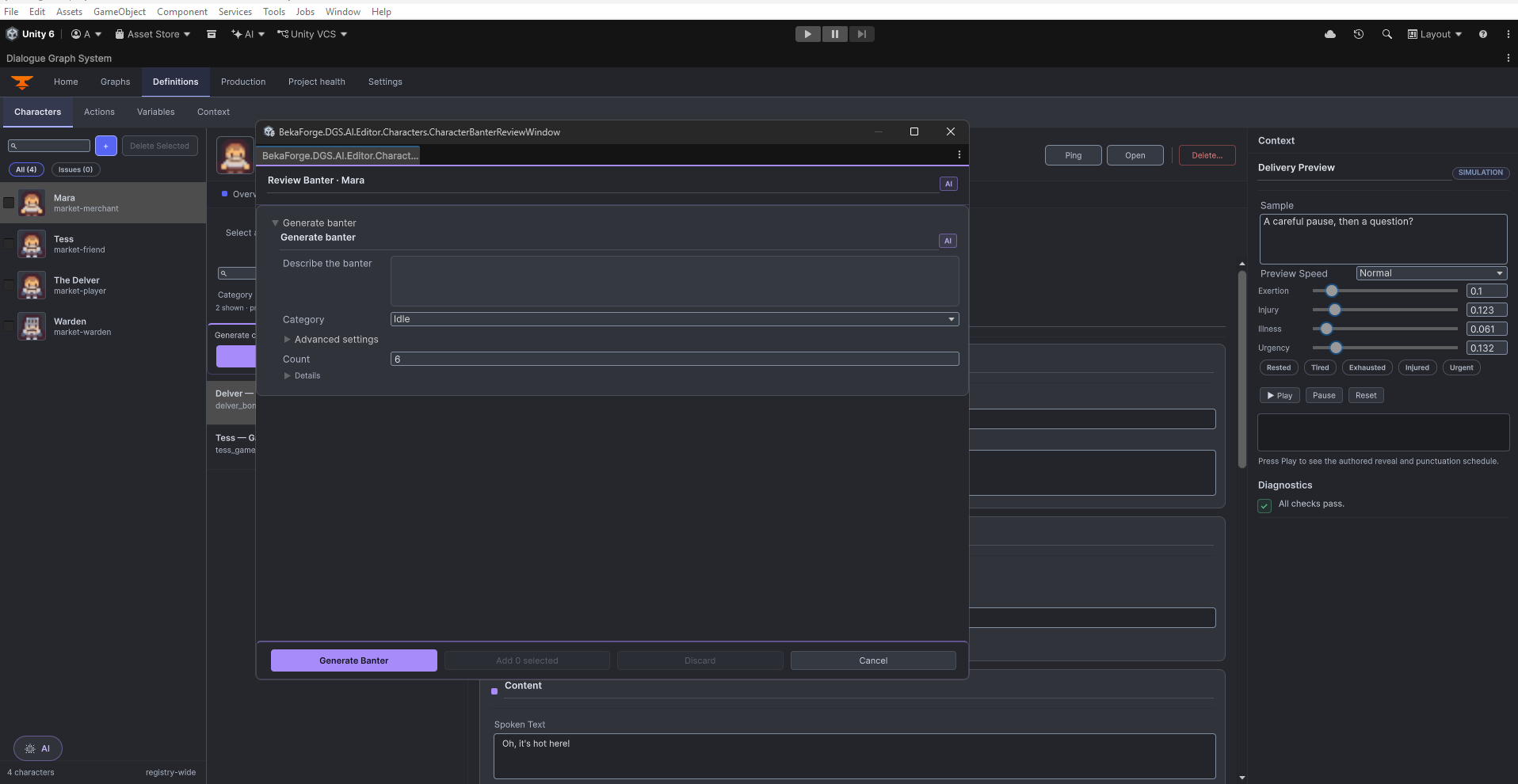
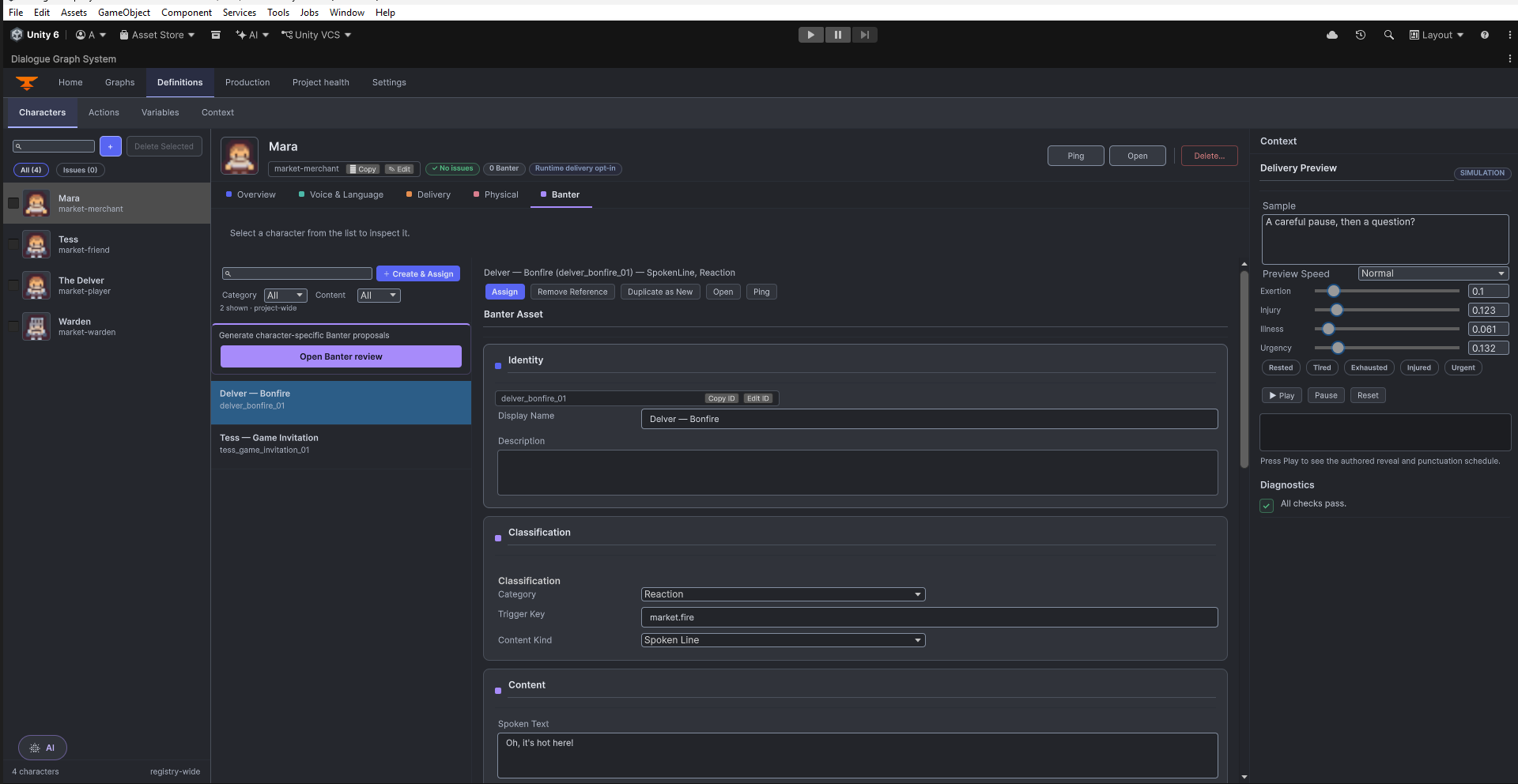
Definitions workspace, Character Banter controls. Open original PNG
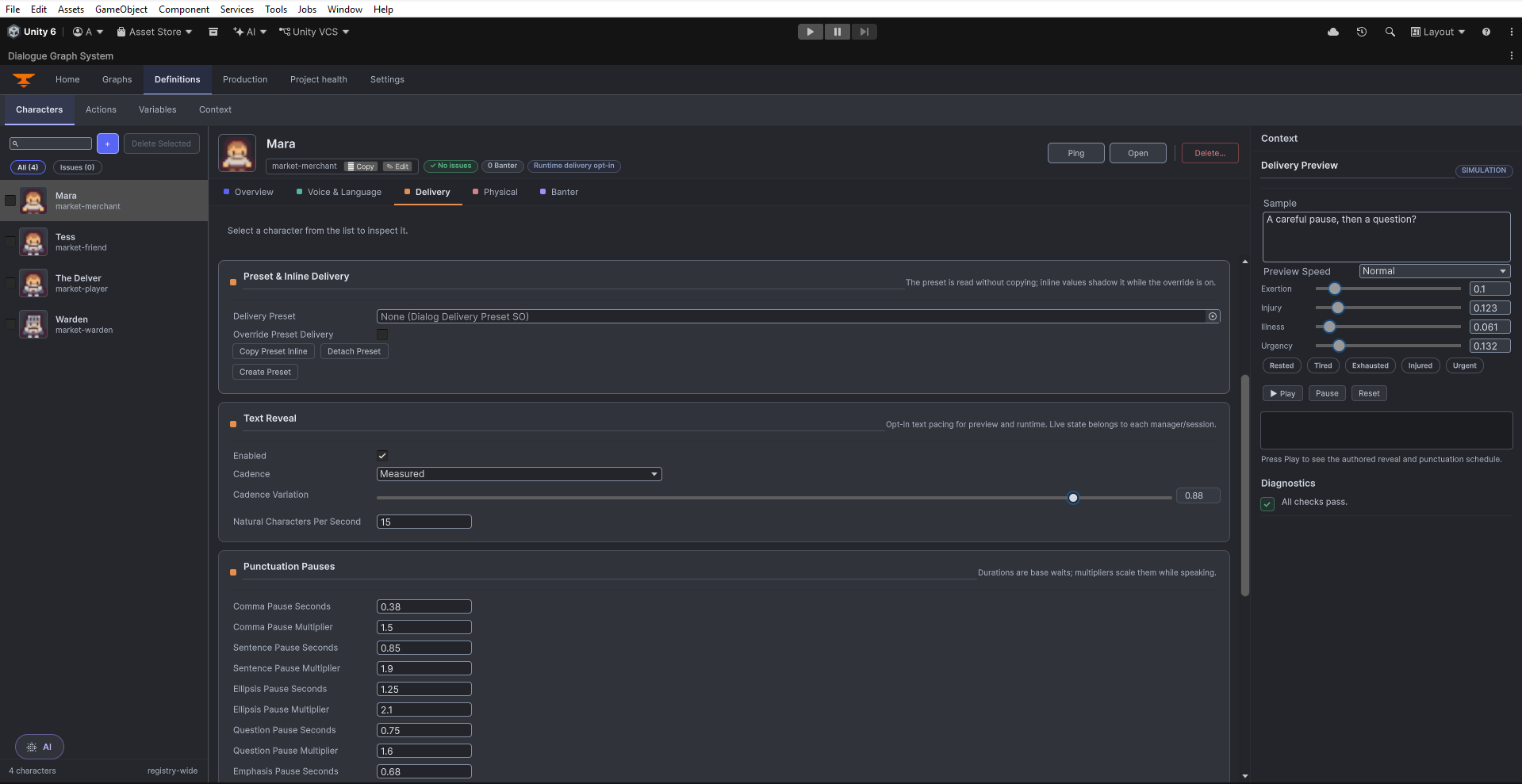
Definitions workspace, Character delivery controls. Open original PNG
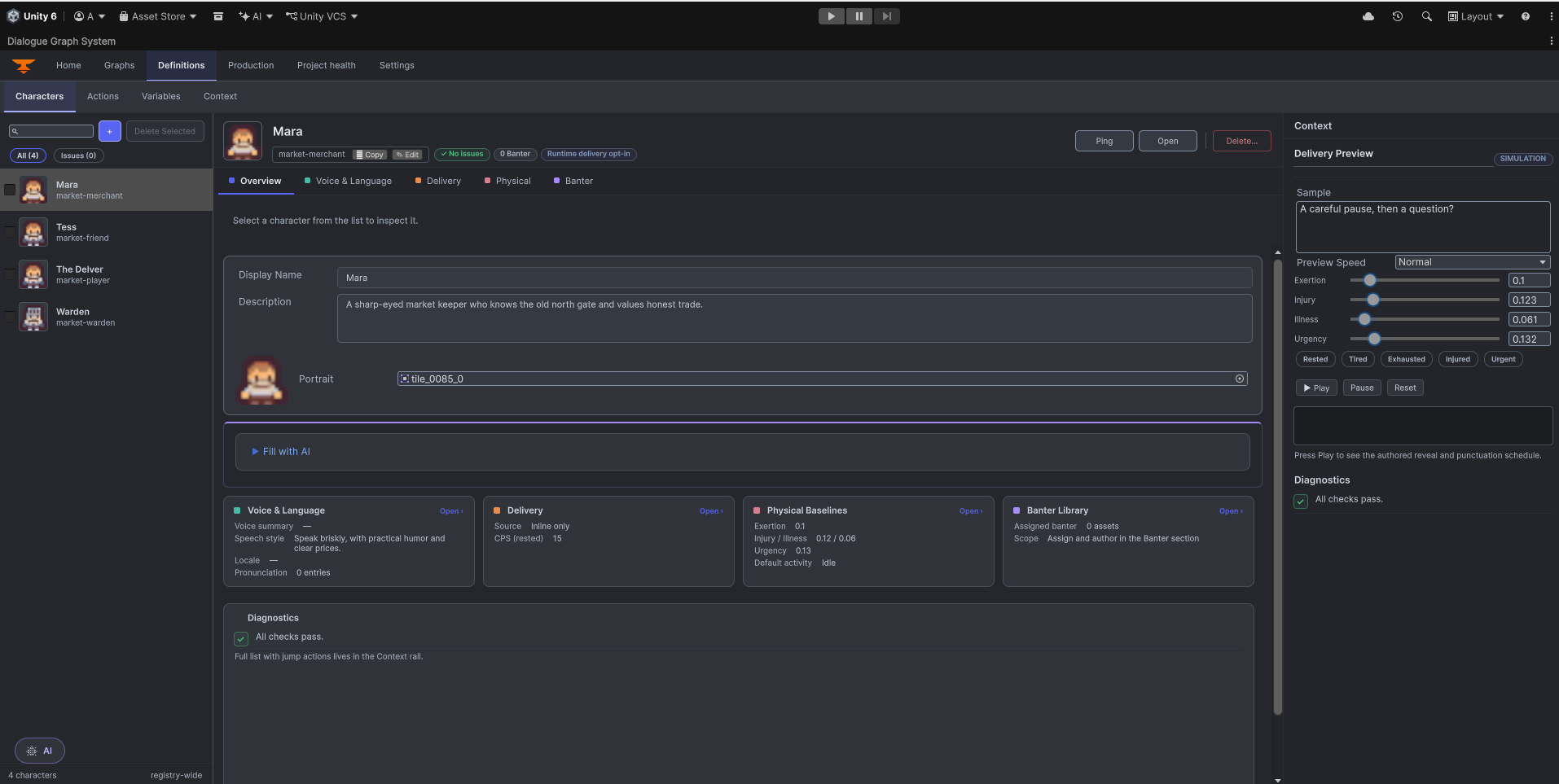
Definitions workspace, Character overview. Open original PNG
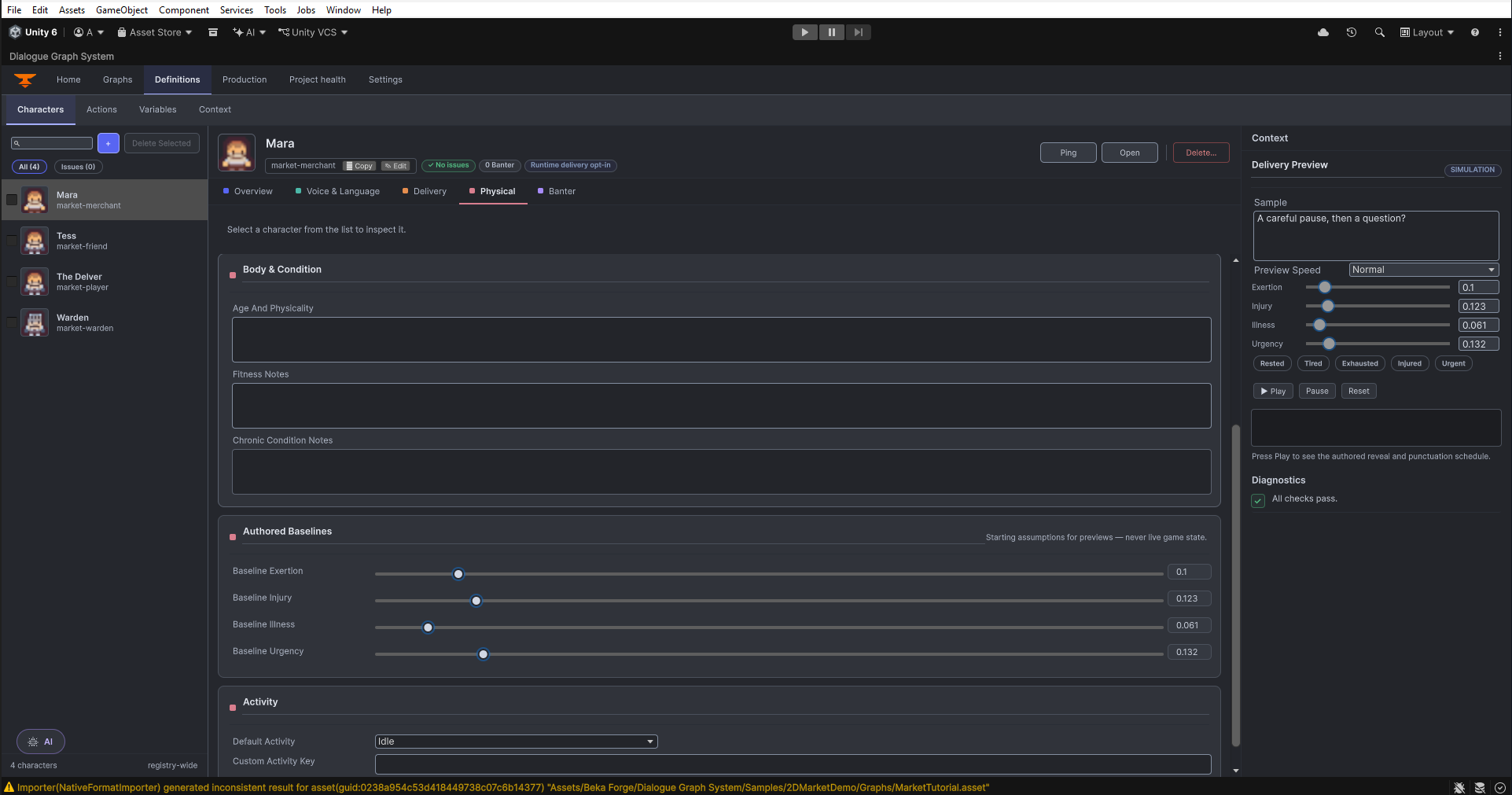
Definitions workspace, Character physical traits. Open original PNG
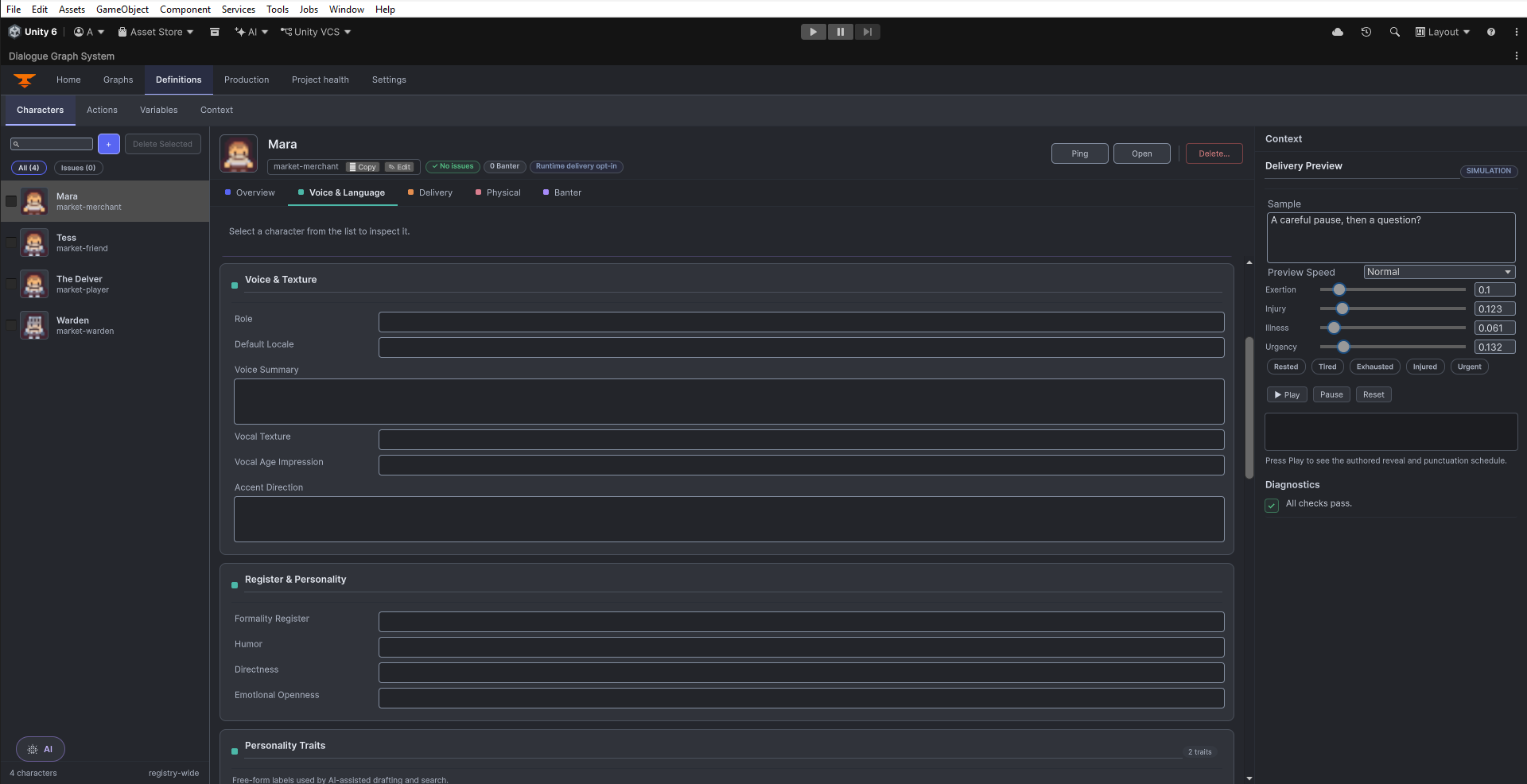
Definitions workspace, Character voice and language. Open original PNG
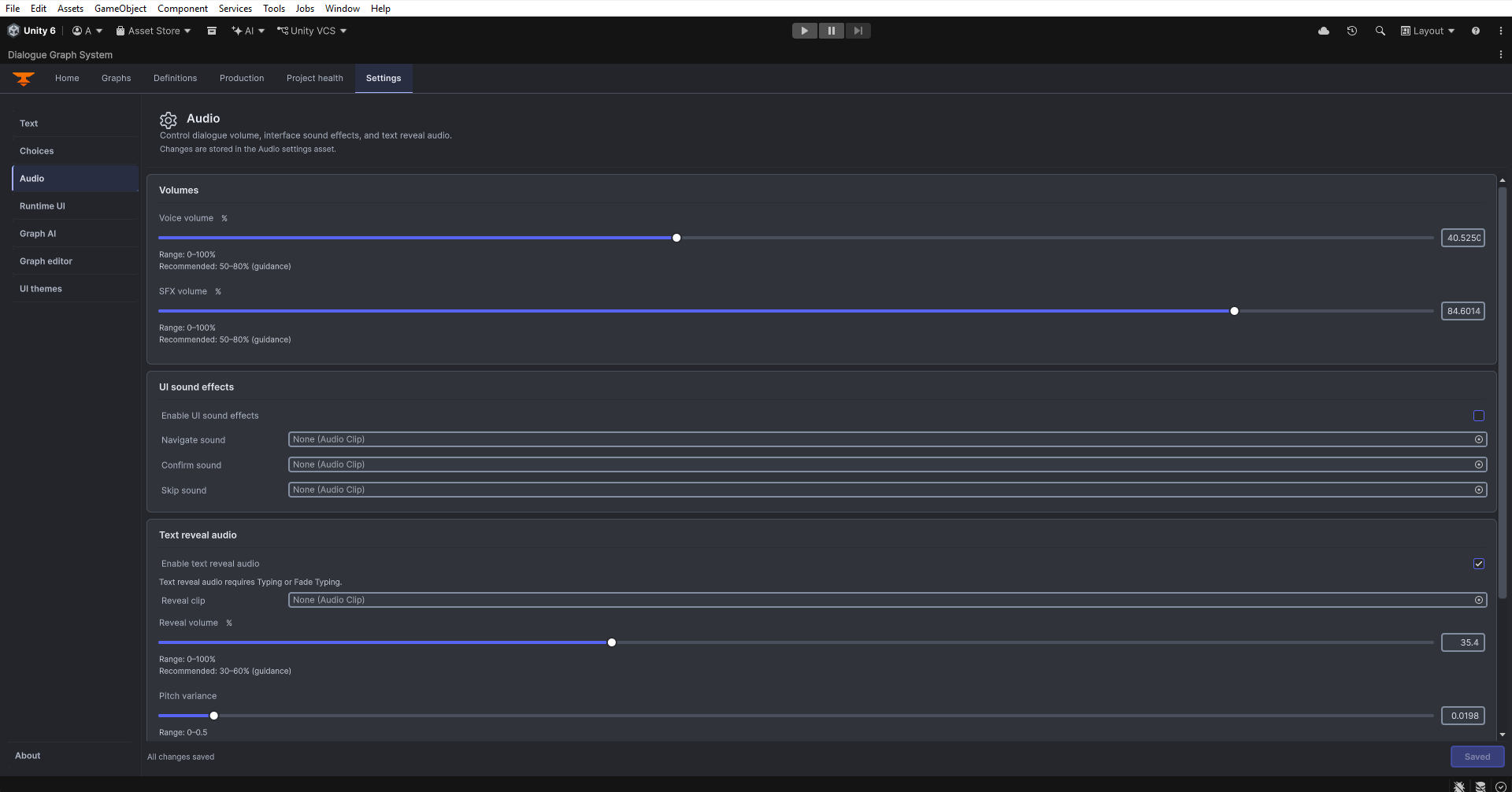
Settings and themes Settings > Audio, first portion of the authoring controls. Open original PNG
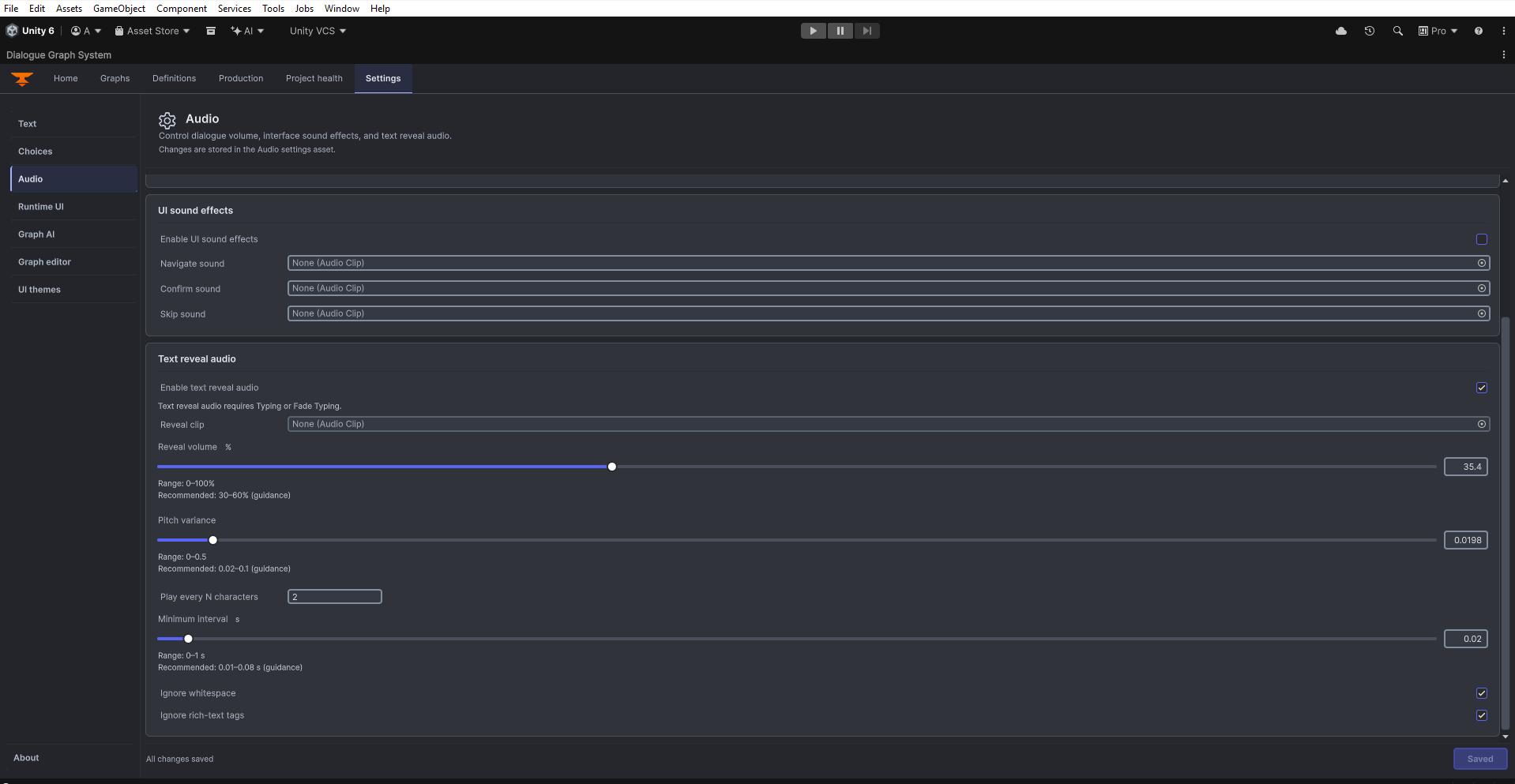
Settings > Audio, second portion of the authoring controls. Open original PNG
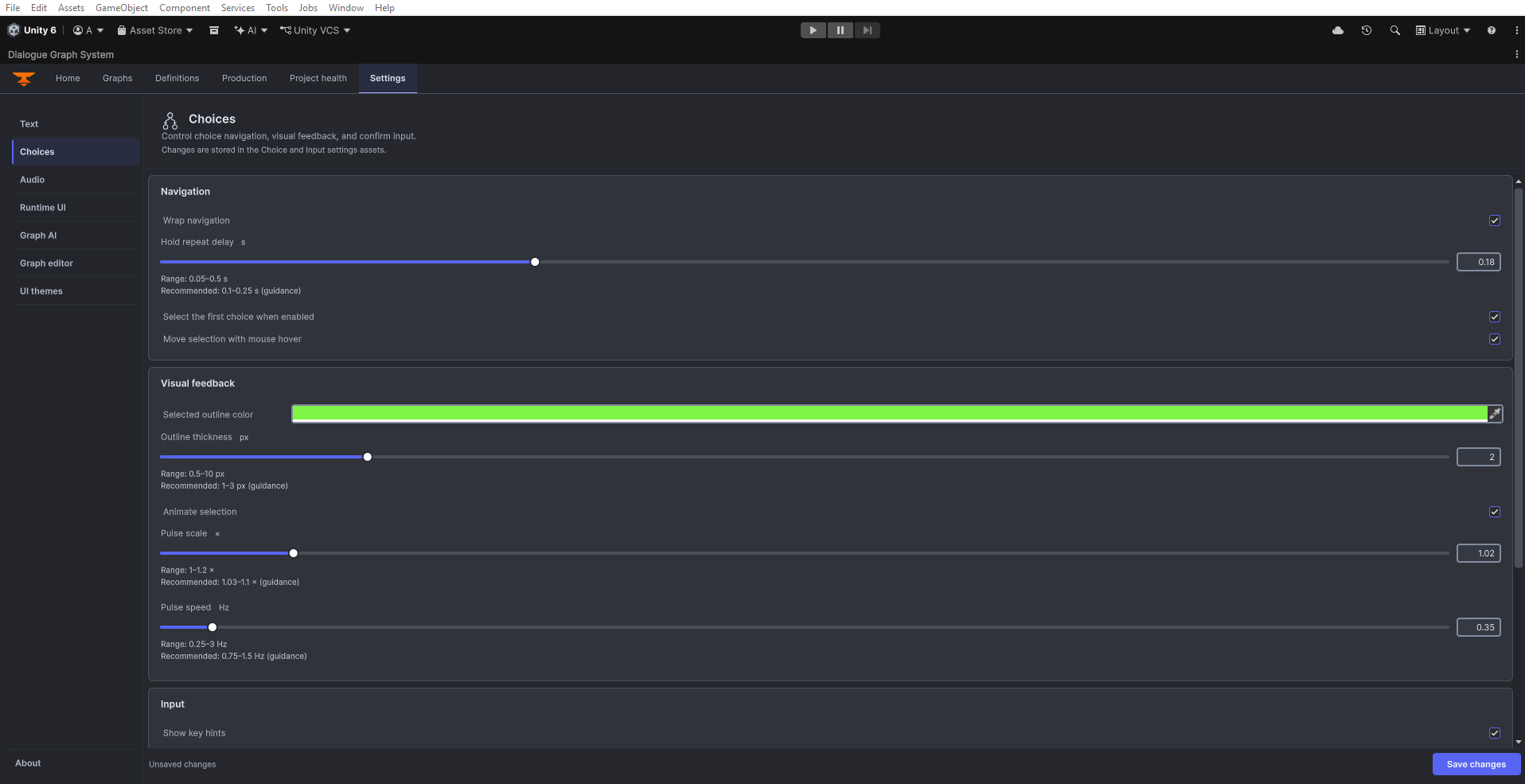
Settings > Choices, first portion of the authoring controls. Open original PNG
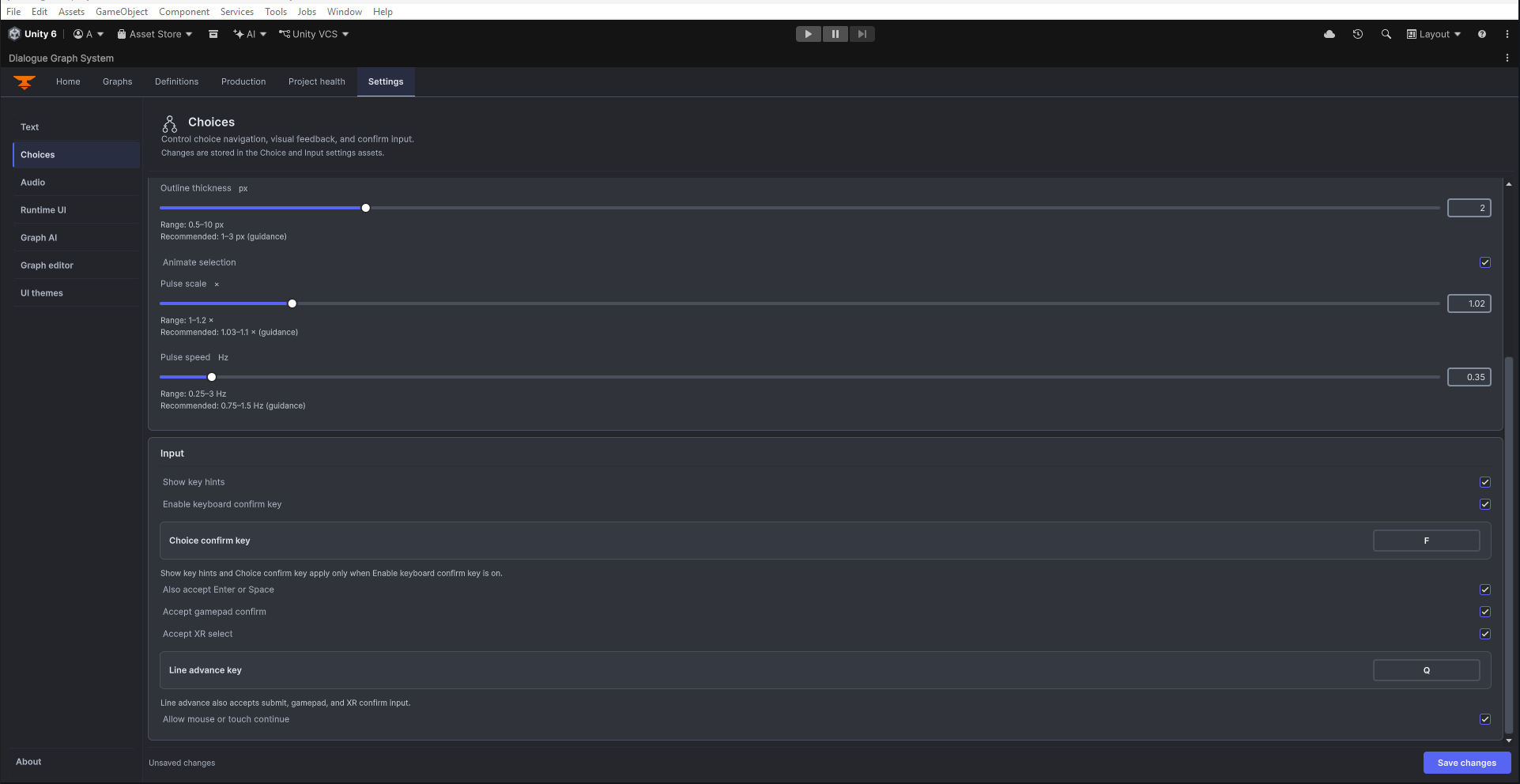
Settings > Choices, second portion of the authoring controls. Open original PNG
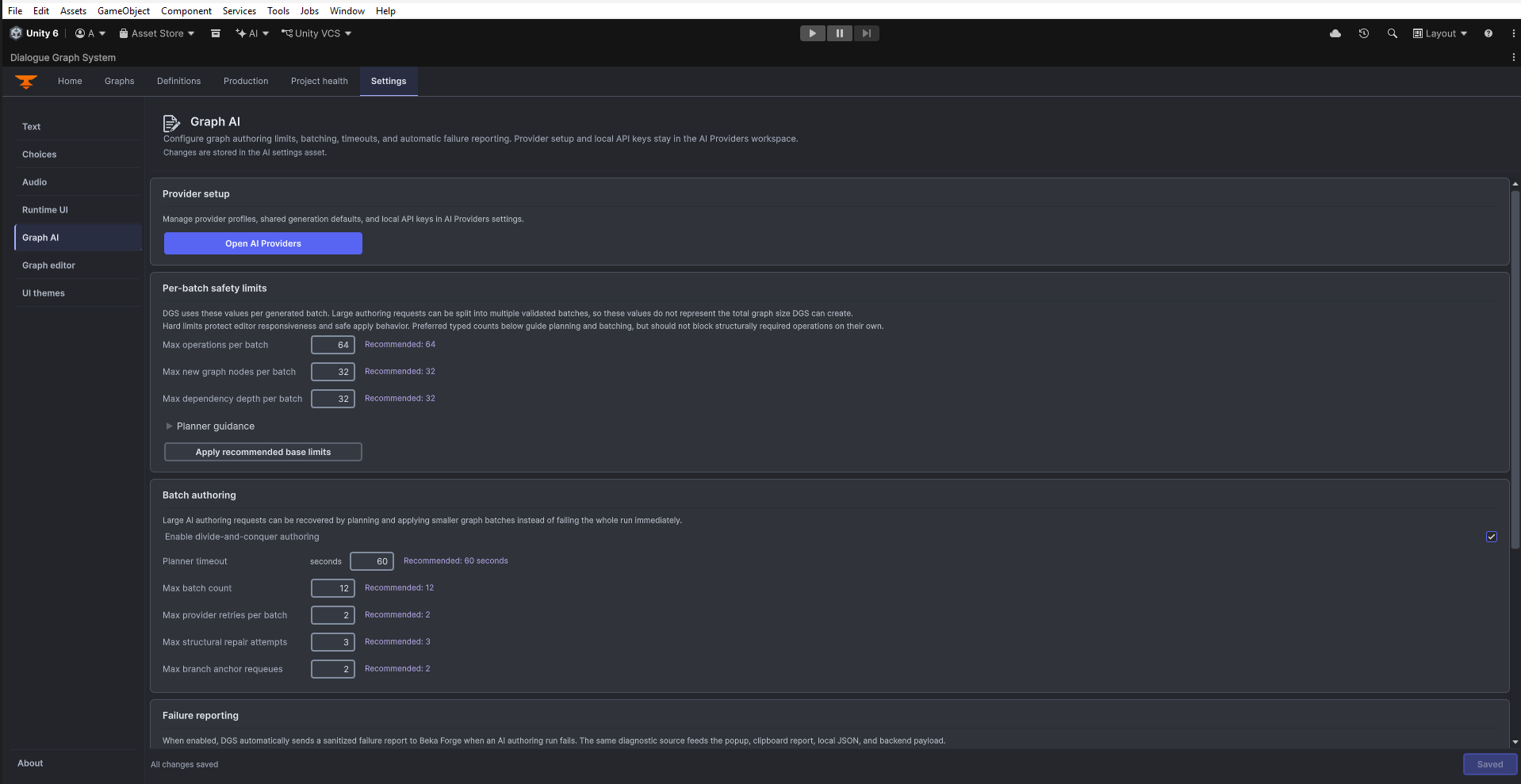
Settings > Graph AI, authoring limits and batching controls. Open original PNG
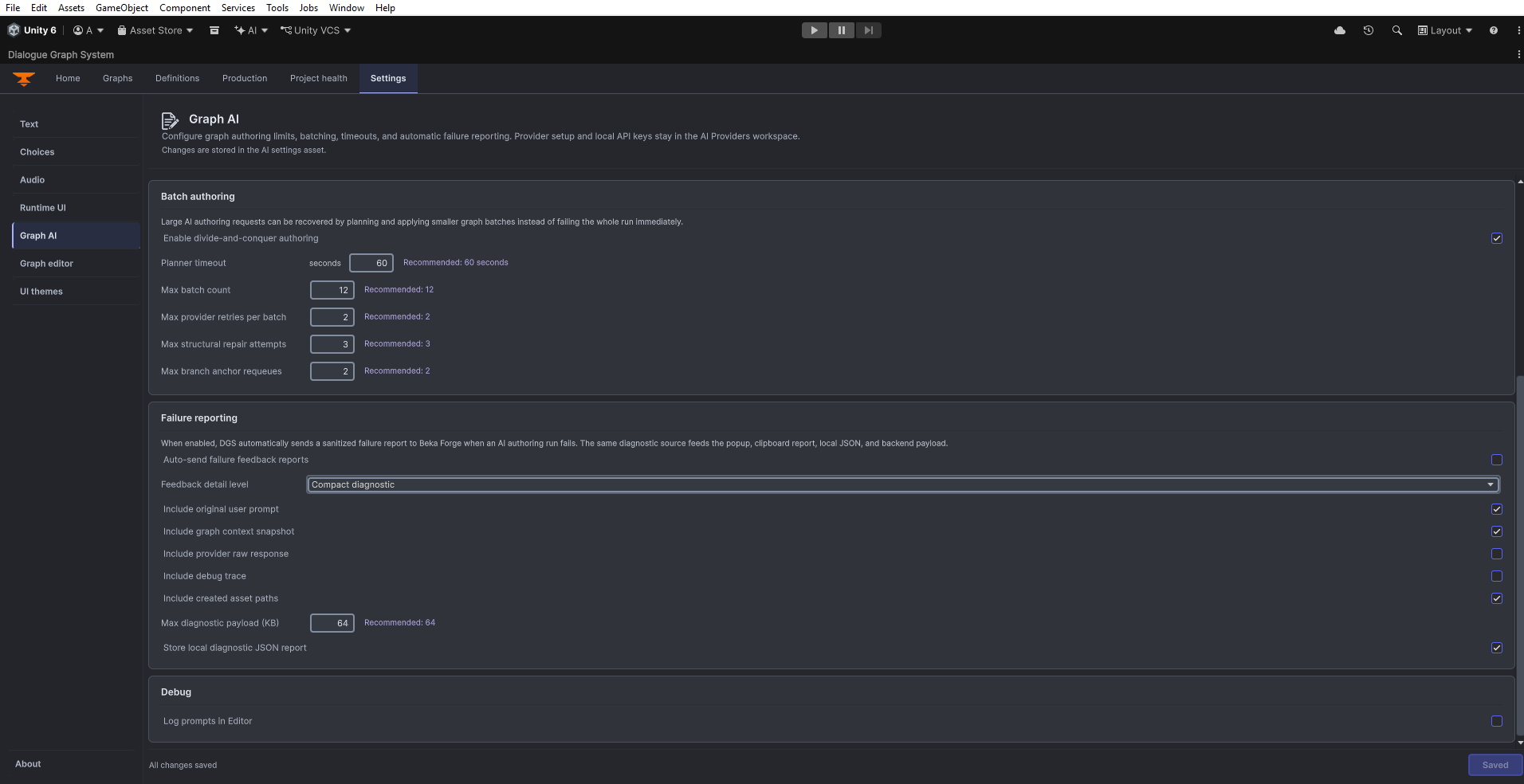
Settings > Graph AI, lower authoring settings and diagnostics. Open original PNG
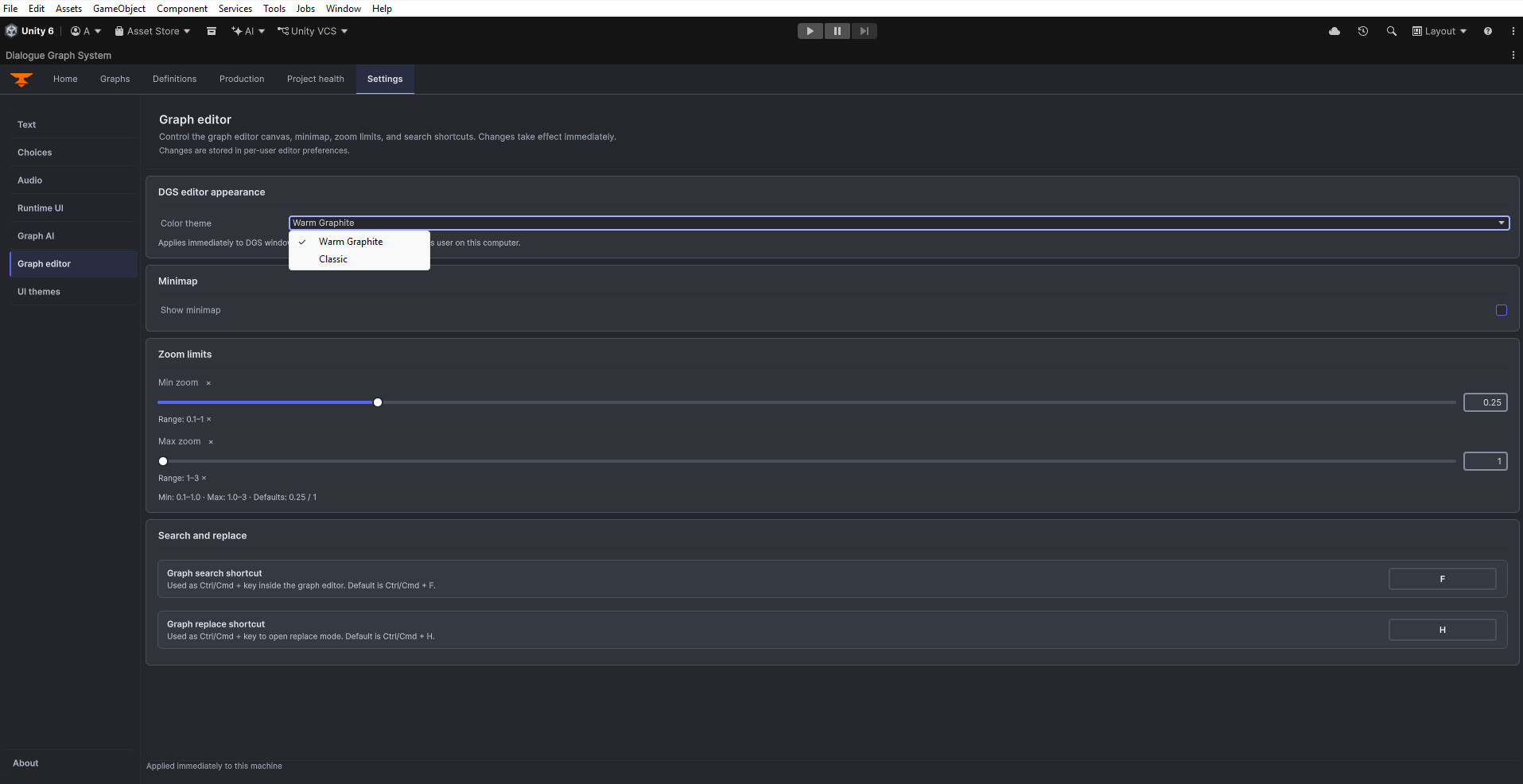
Settings > Graph editor preferences. Open original PNG
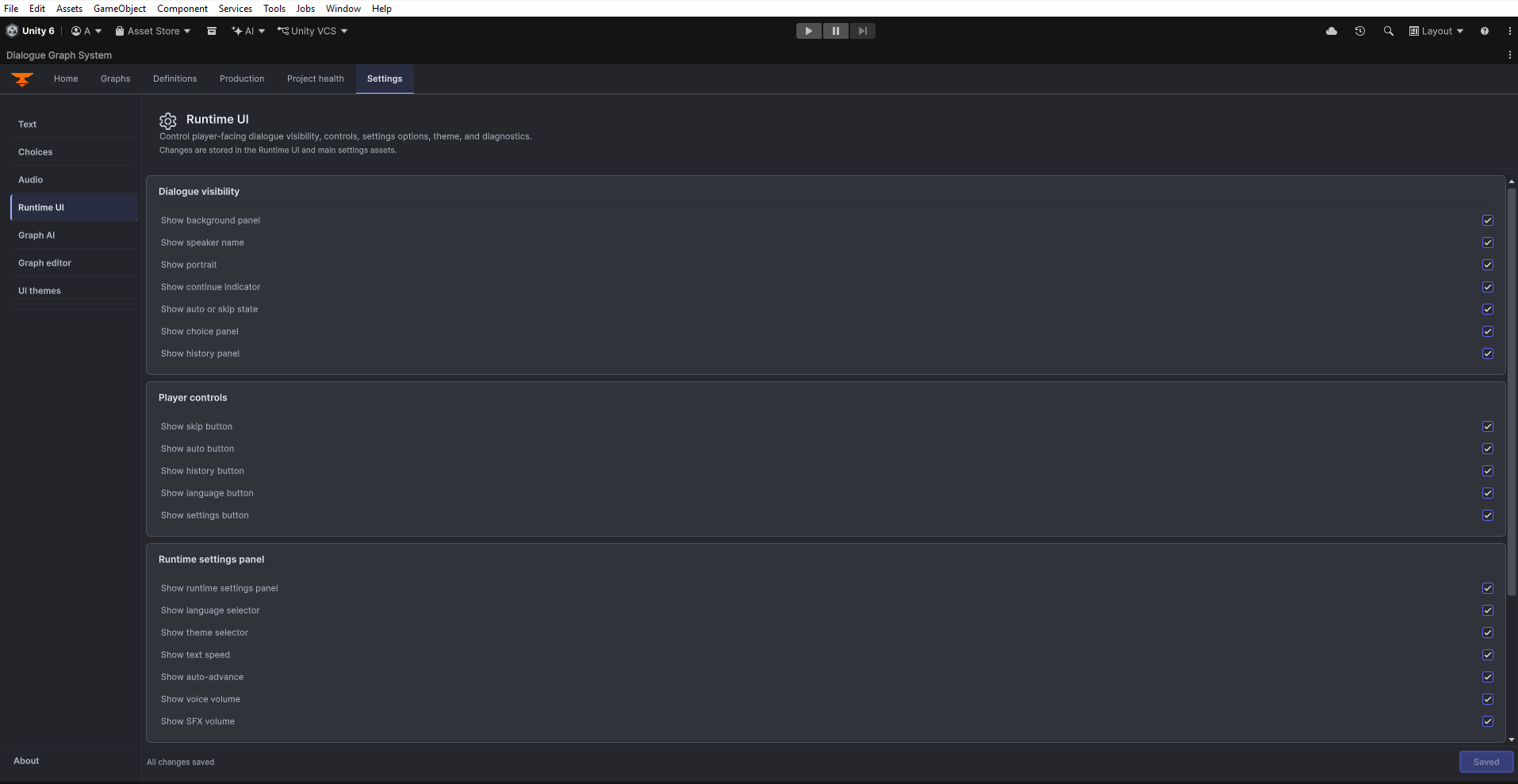
Settings > Runtime UI, first portion of the authoring controls. Open original PNG
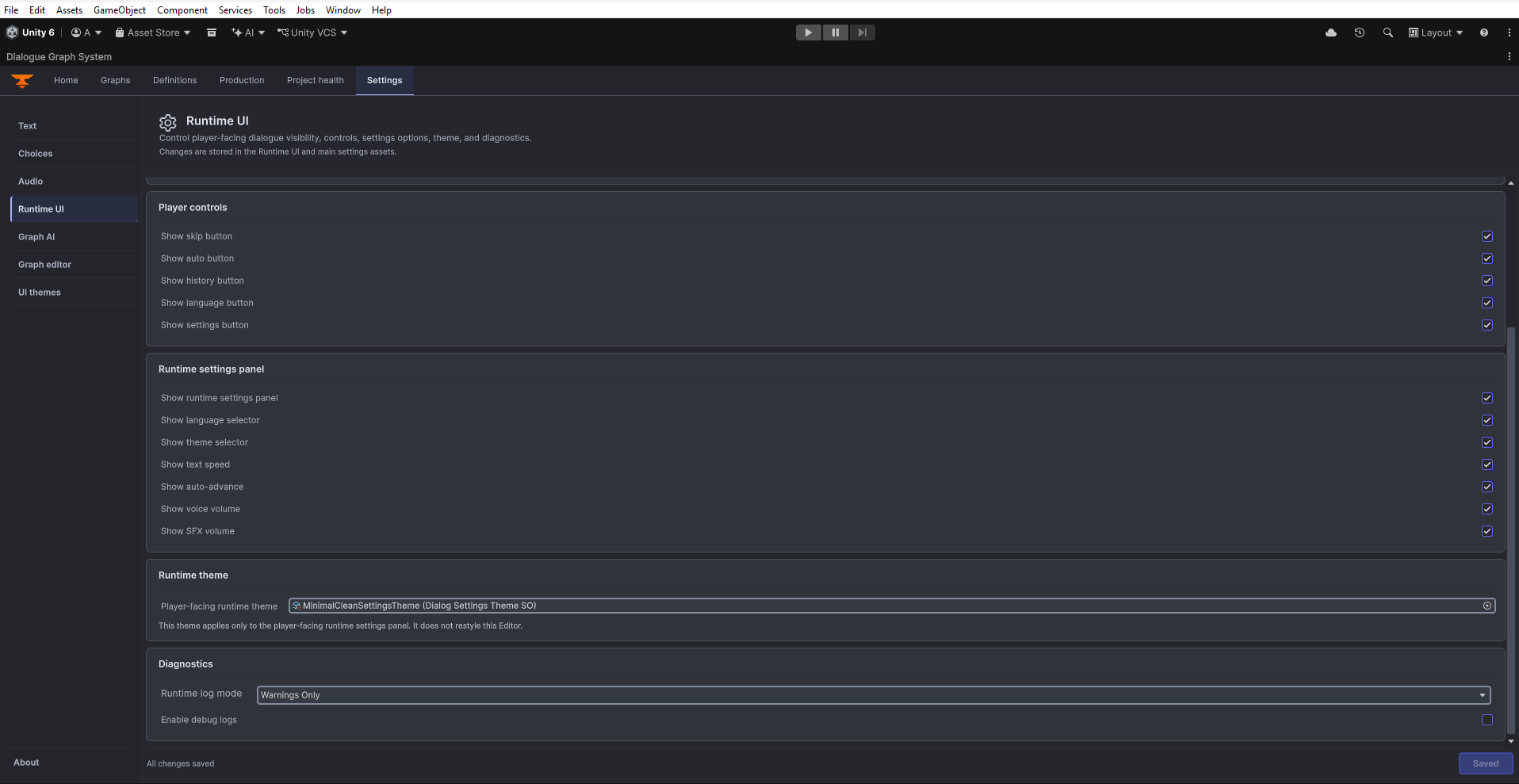
Settings > Runtime UI, second portion of the authoring controls. Open original PNG
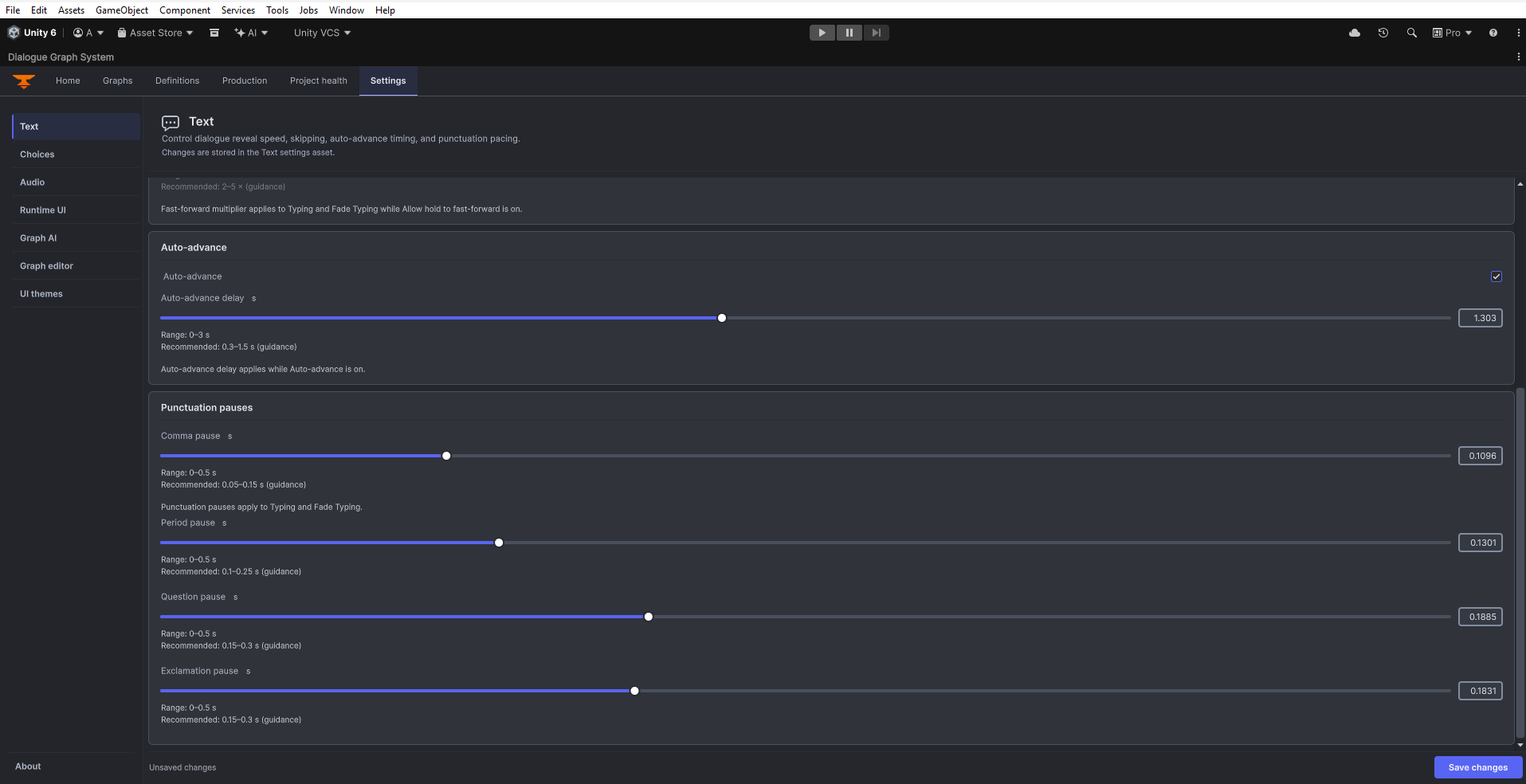
Settings > Text, lower settings and punctuation timing. Open original PNG
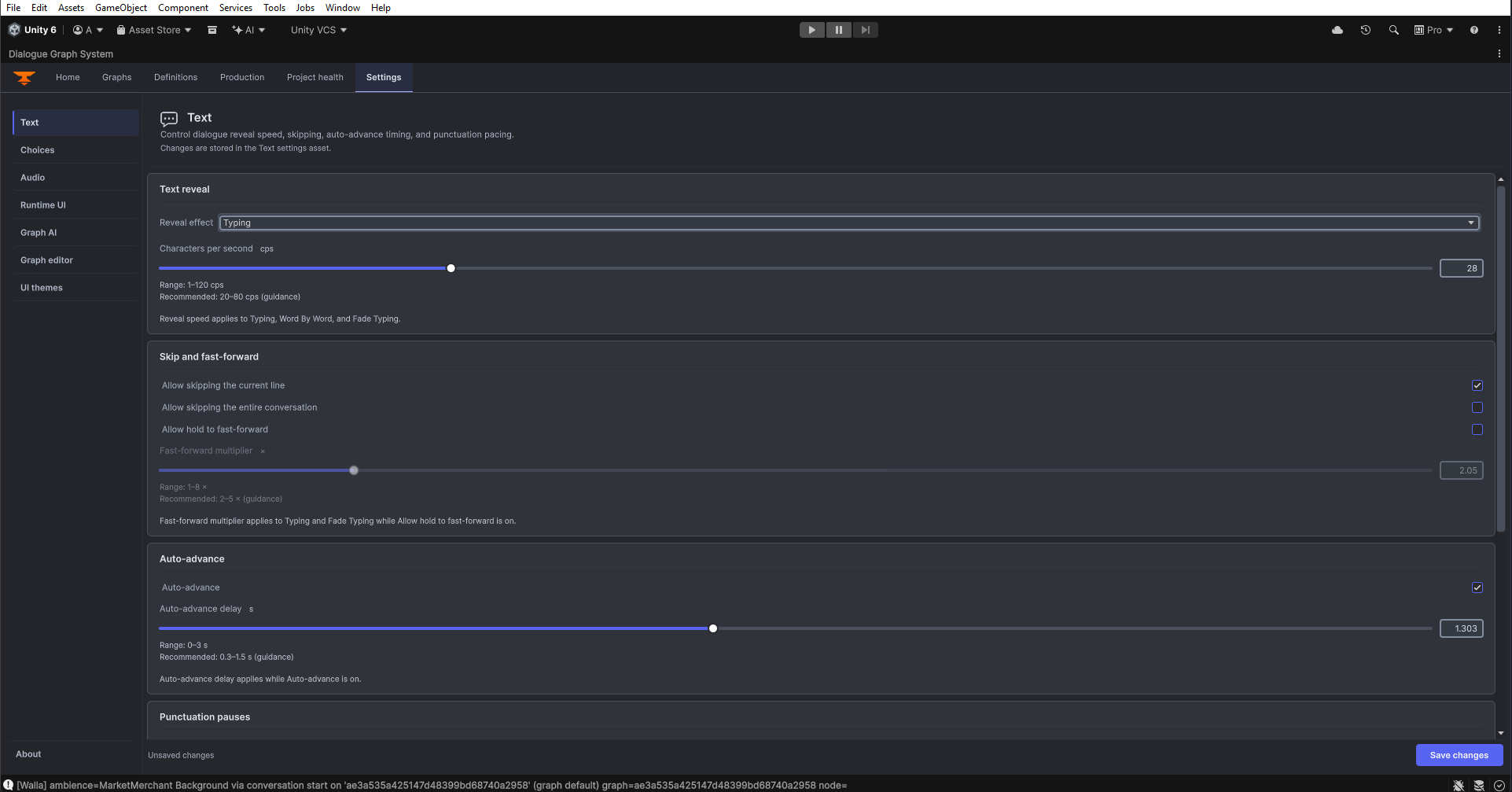
Settings > Text: text reveal, skipping, fast-forward and automatic advancement. Open original PNG
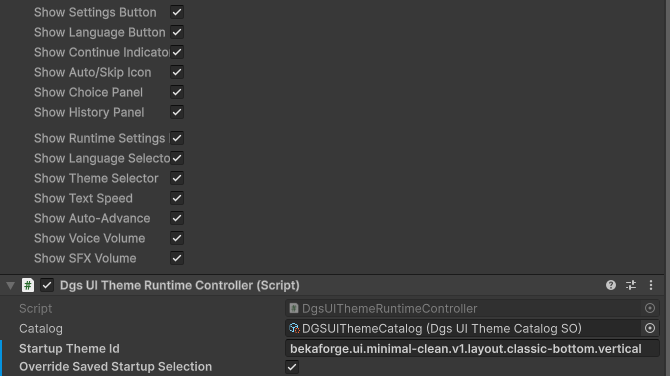
Lower UI Manager controls and the DGS UI Theme Runtime Controller with catalog and startup-theme fields. Open original PNG
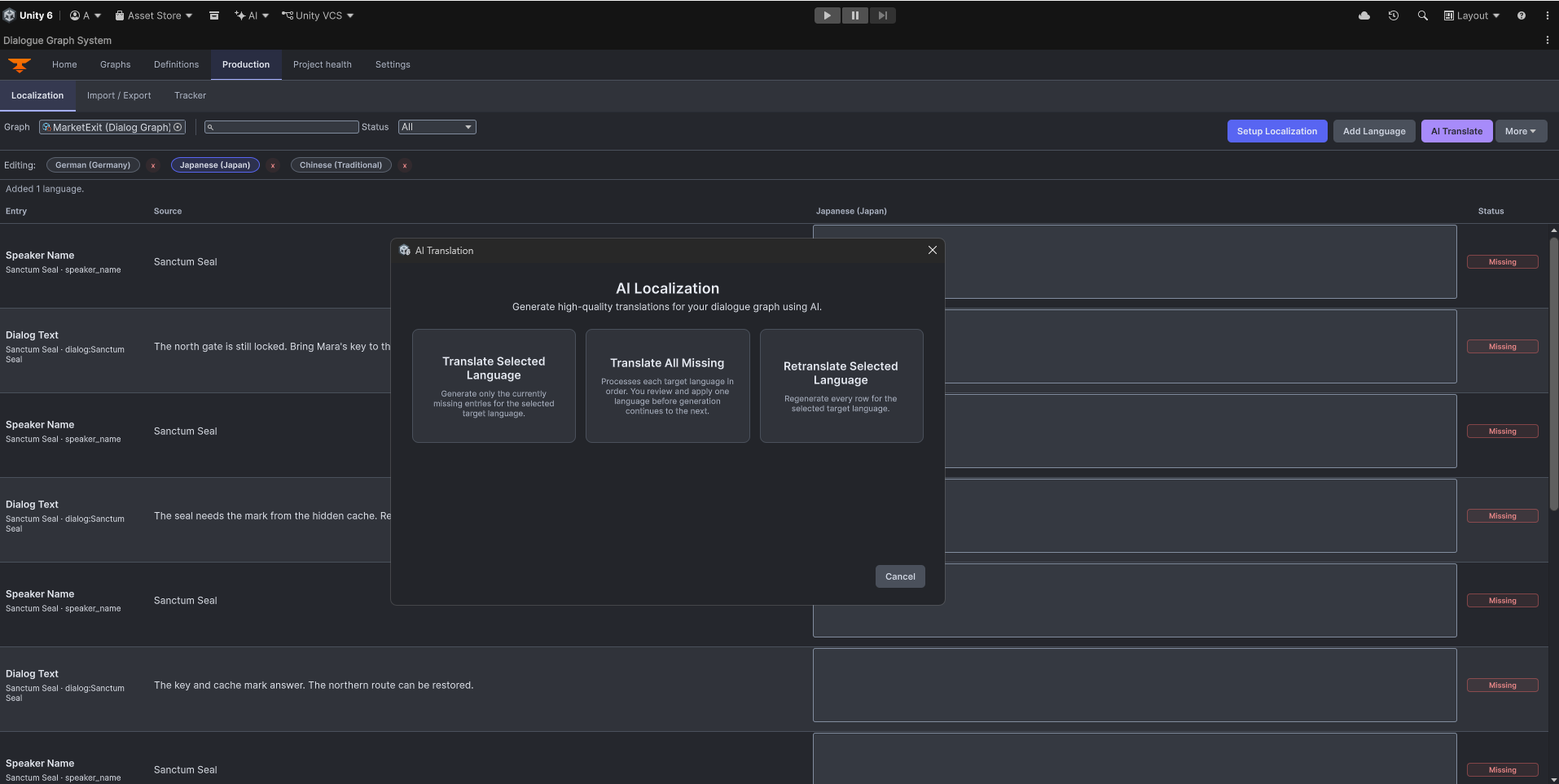
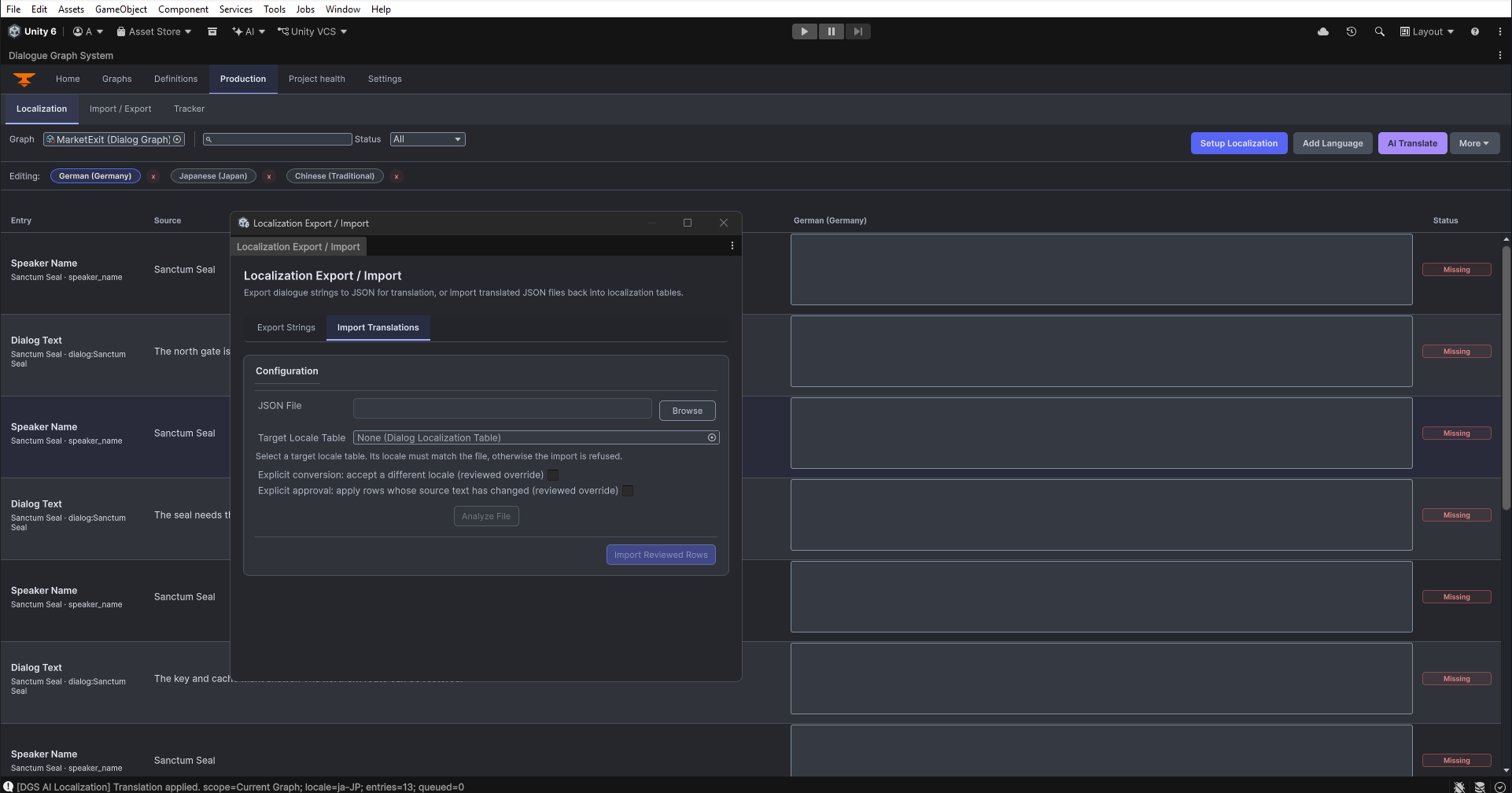
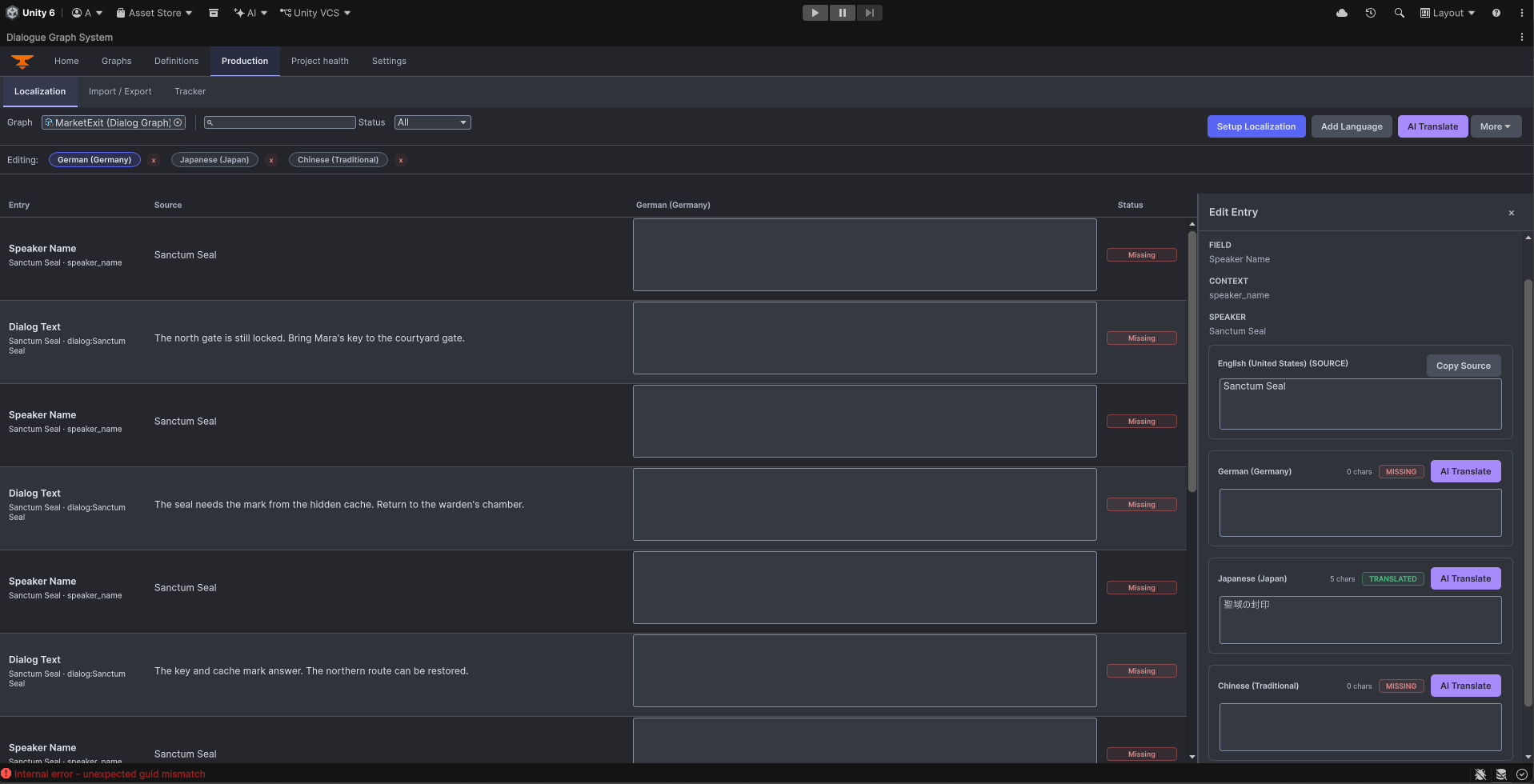
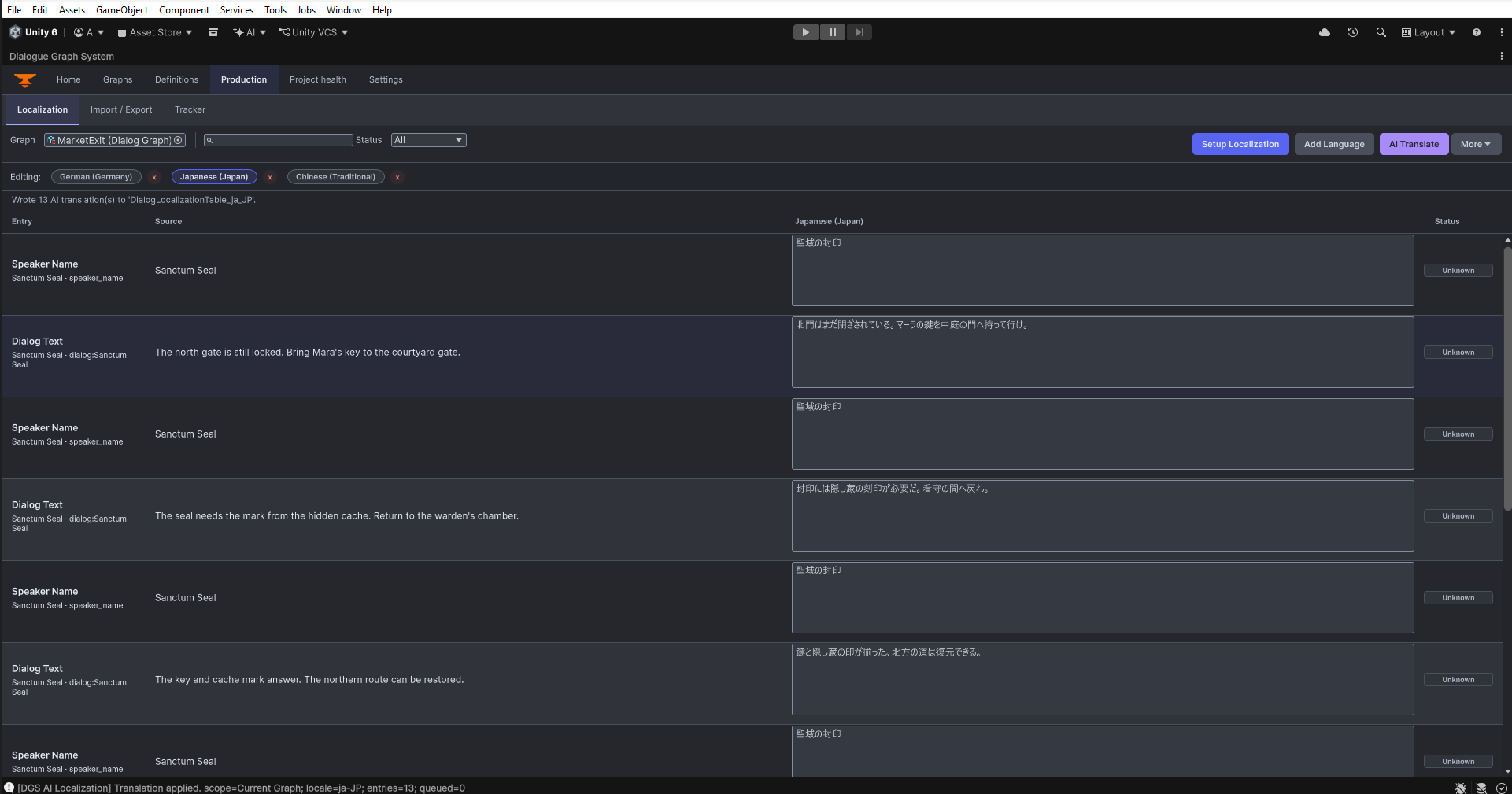
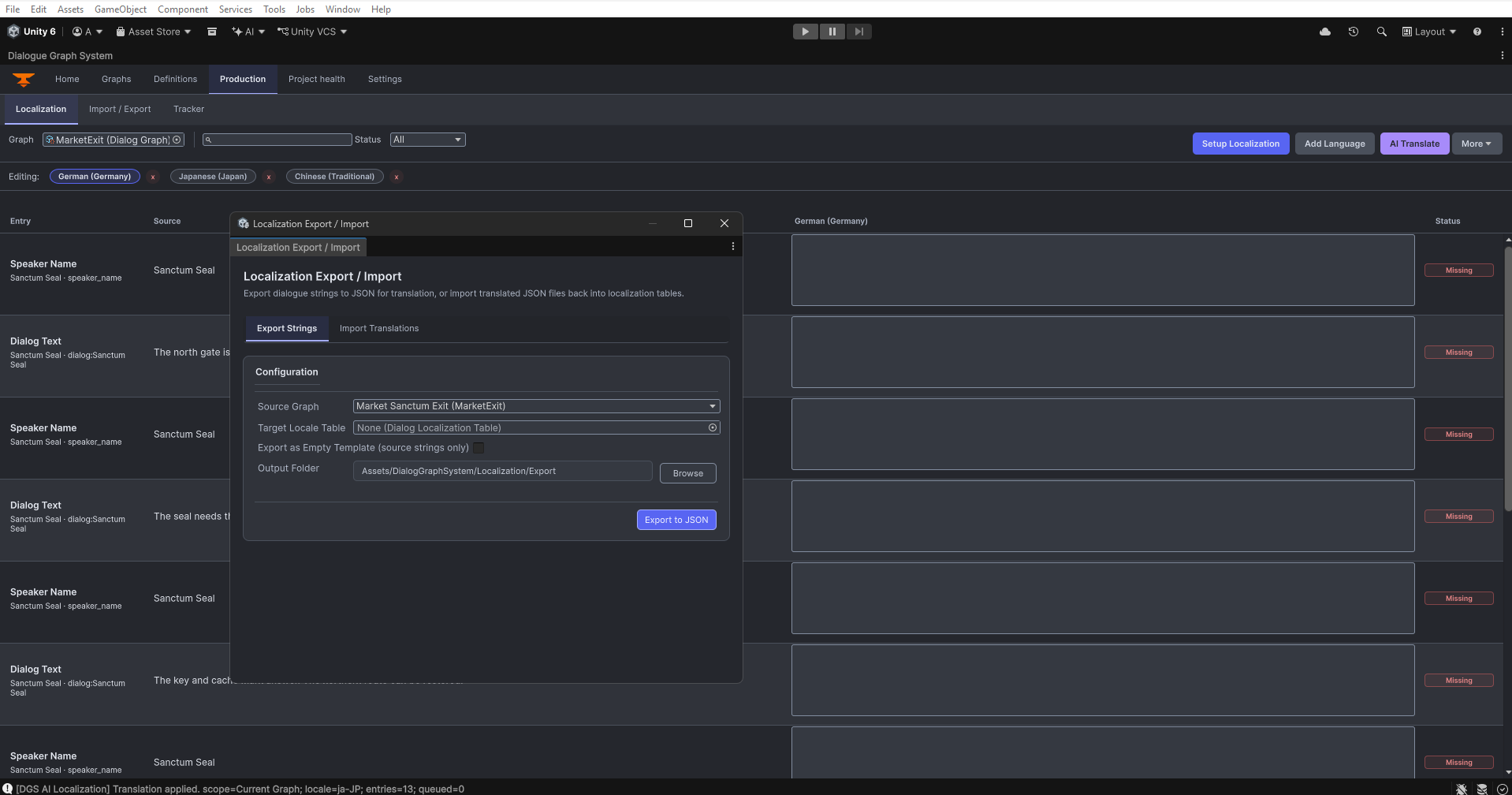
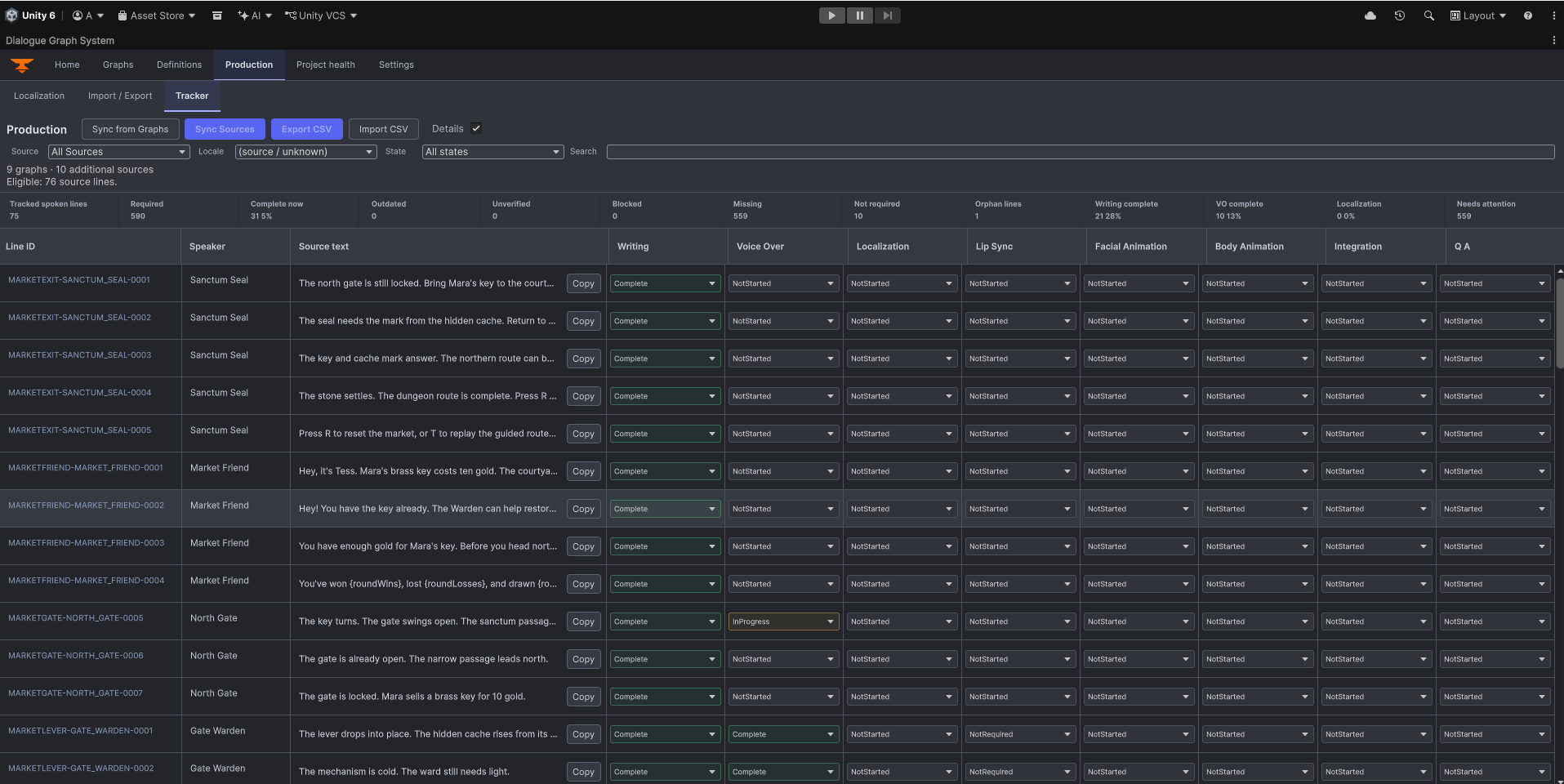
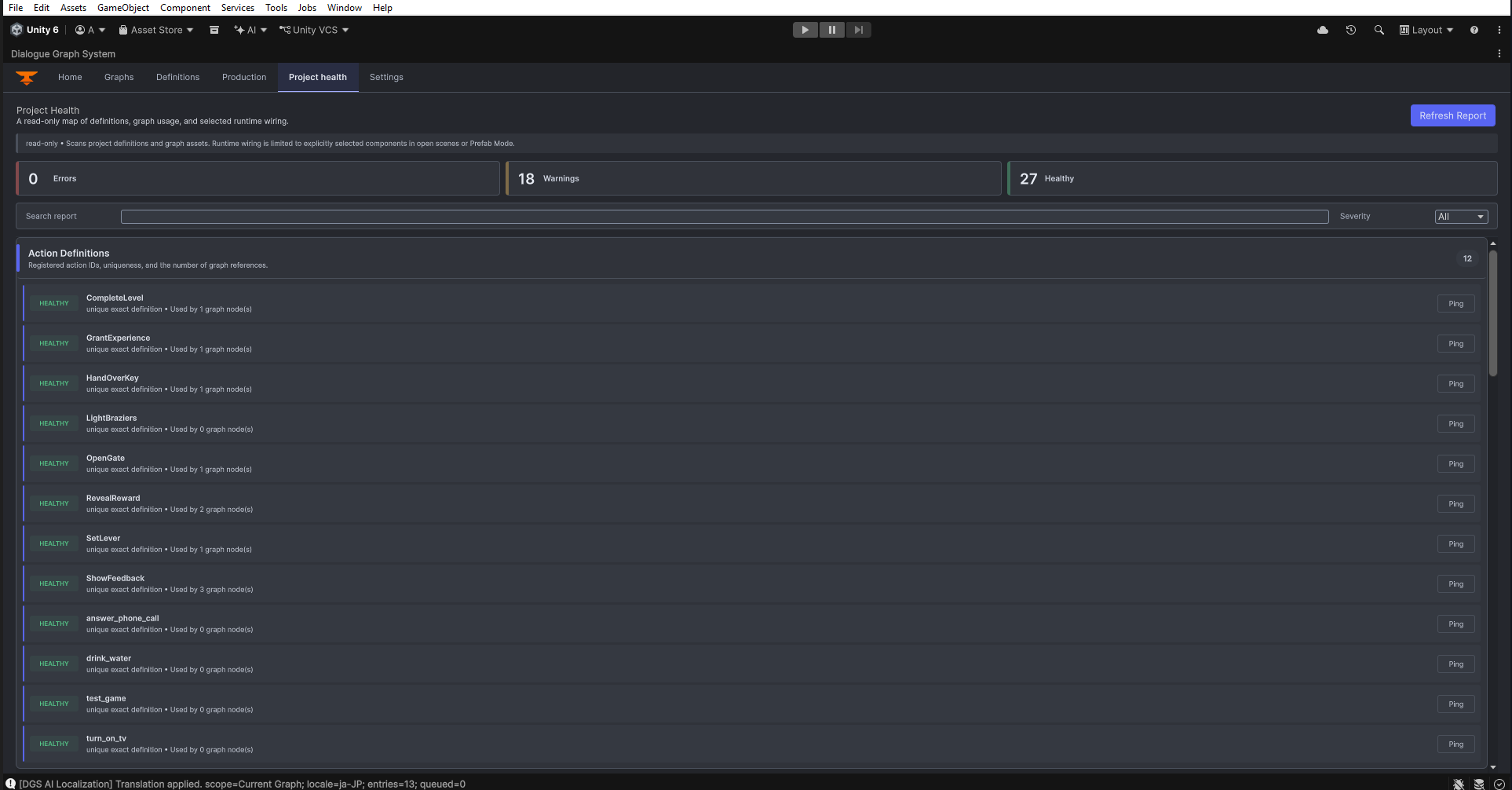
Production and localization
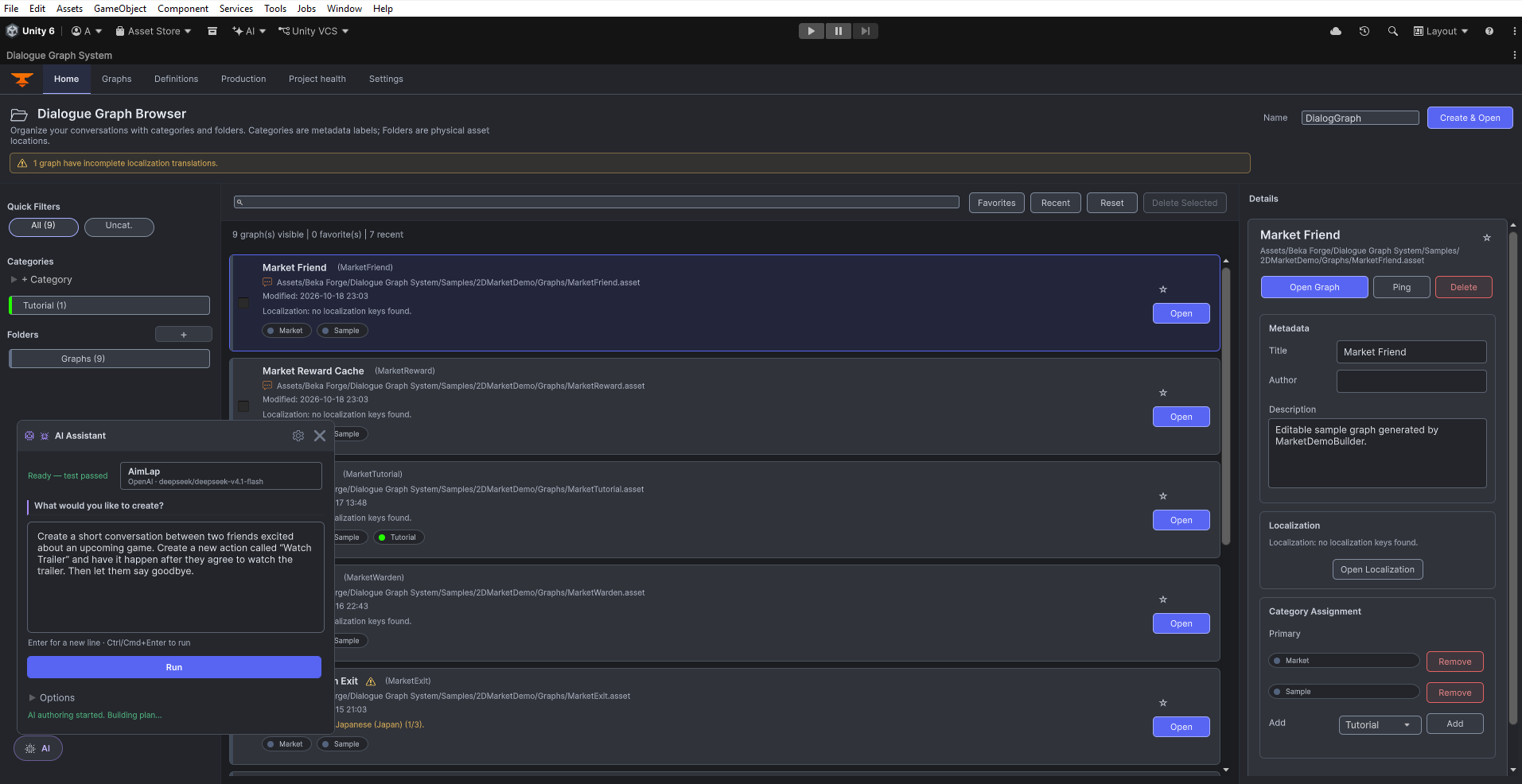
AI authoring Home browser with the AI authoring prompt drawer open; profile and model names are visible. Open original PNG
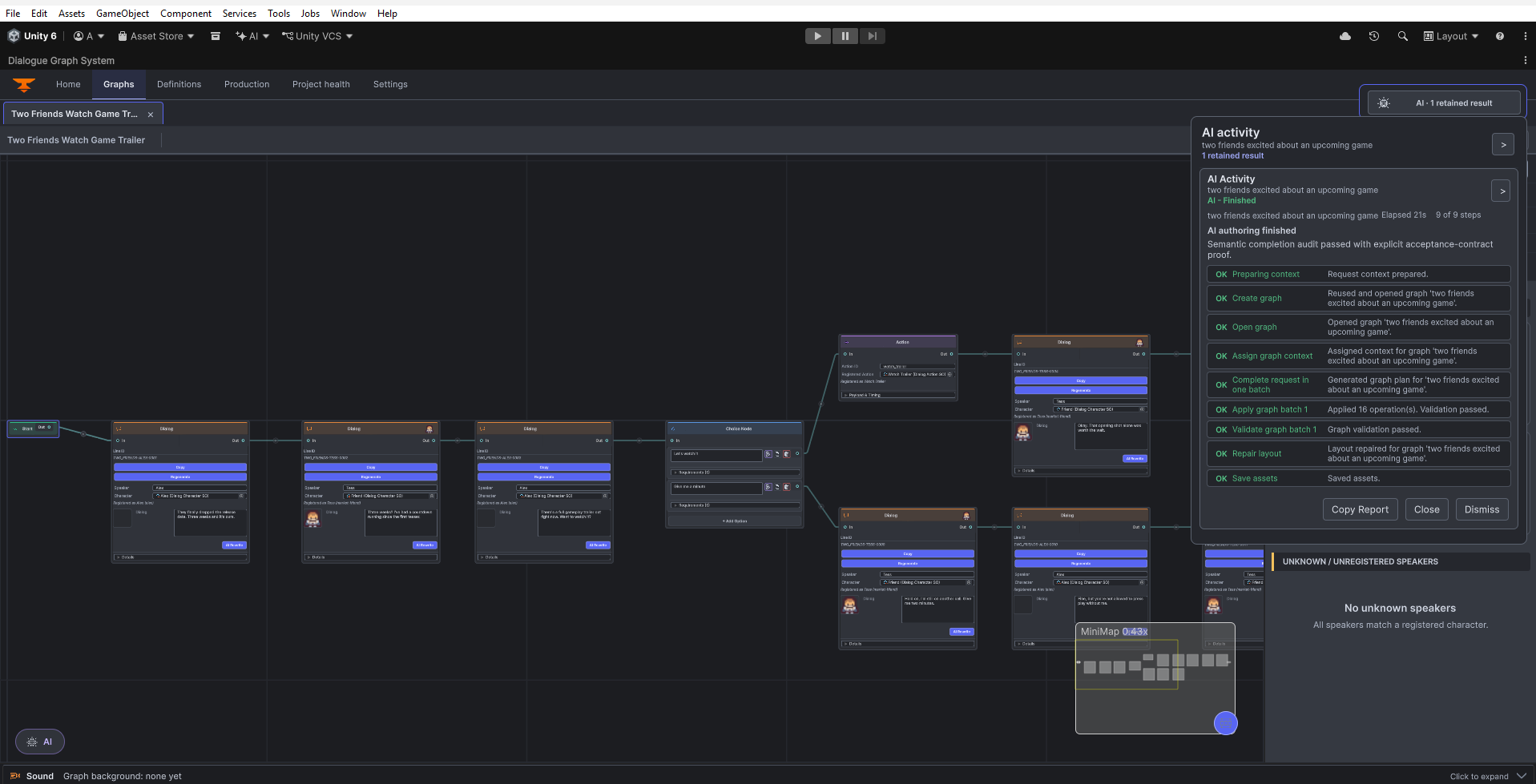
AI authoring progress report beside the generated graph; the displayed report is a captured example. Open original PNG
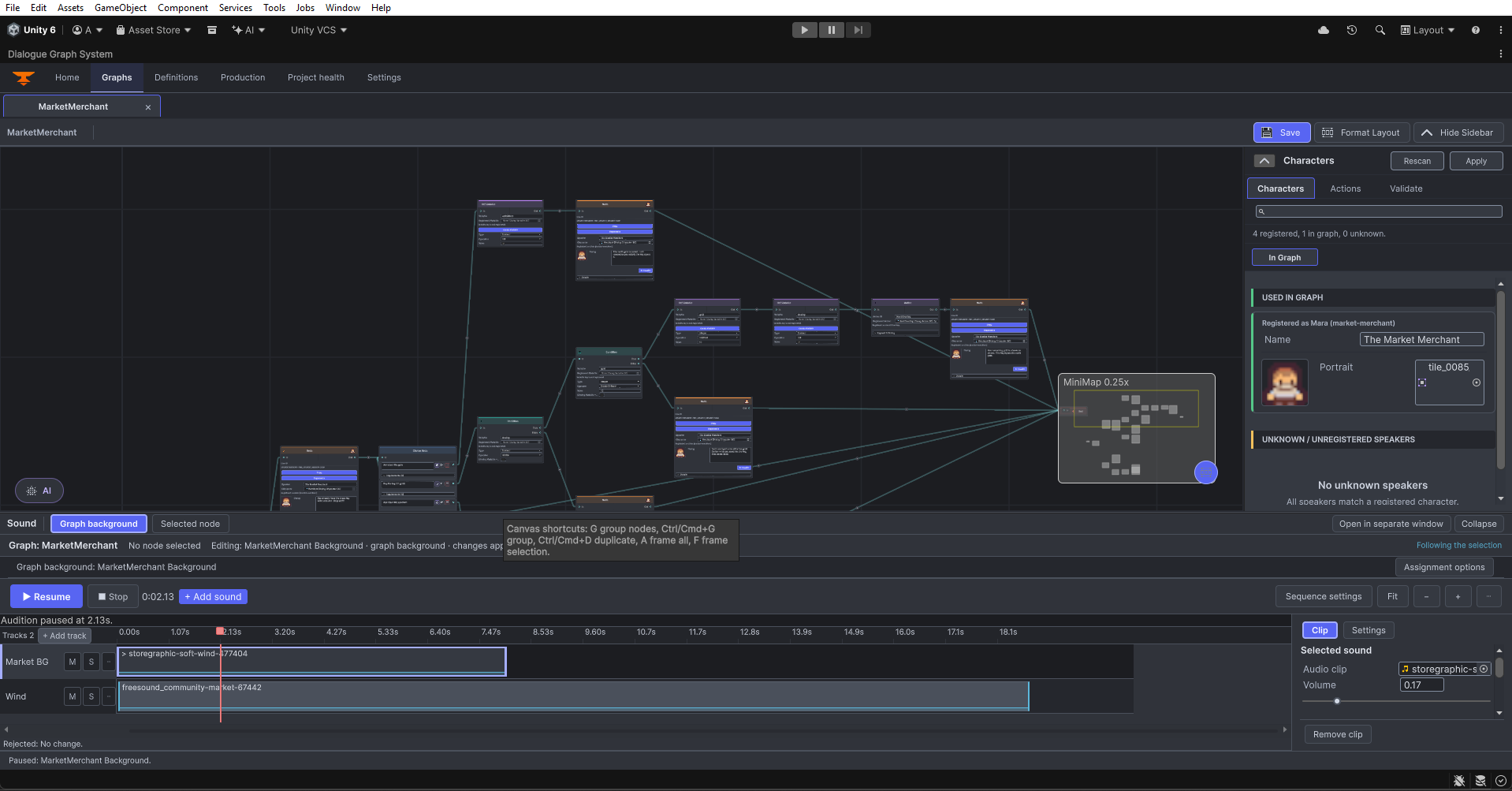
Graph Sound MarketMerchant graph Sound panel with two tracks and paused audition; the visible status reads Rejected: No change. Open original PNG
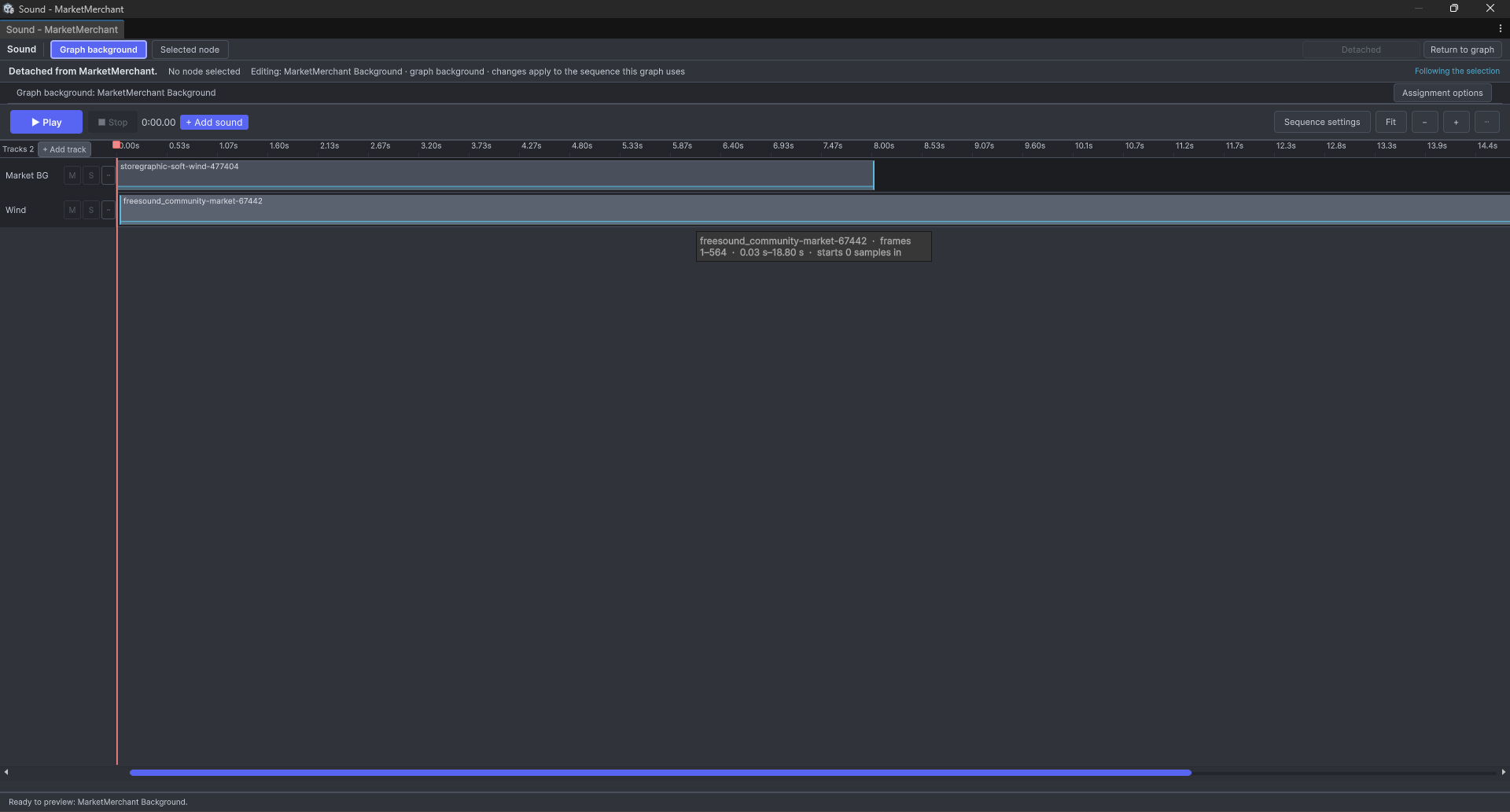
Detached graph Sound window for MarketMerchant with Graph background selected; this is not the standalone Sound Sequence asset editor. Open original PNG
51 unmodified PNG captures supplied for documentation. Original filenames, dimensions and SHA-256 hashes are recorded in the capture manifest . Capture timestamps were not supplied. Earlier captures remain on disk and in the manifest where no matching replacement was supplied.