Unity Documentation Portal · version 4.0.0
Dialogue Graph System 4.0 documentation.
Customer documentation for one DGS package containing Core, Banter, Sound/Walla, AI Extension,
Camera Controller, and Interaction. AI Providers is separate and needed only for AI features.
What the project does
Dialog Graph System is a Unity toolkit for authoring branching conversations in a graph editor and playing them
back through a runtime UI. It includes a JSON round-trip workflow, action nodes, a history panel, transcript
rebuilding, and theme-driven runtime presentation.
1
Bundled Dungeon Market sample
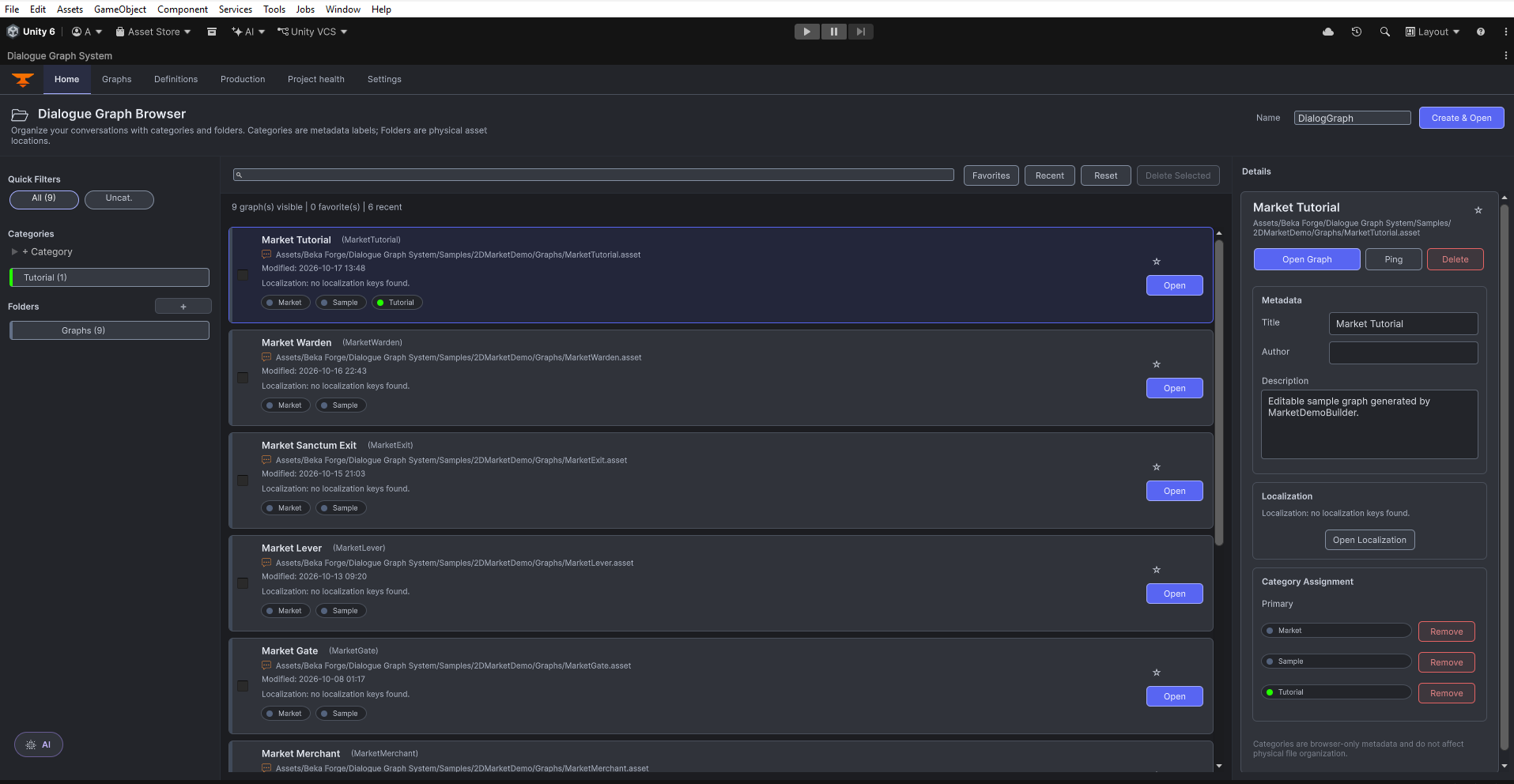
9
Graphs shown in the Home capture
Optional
AI assisted authoring
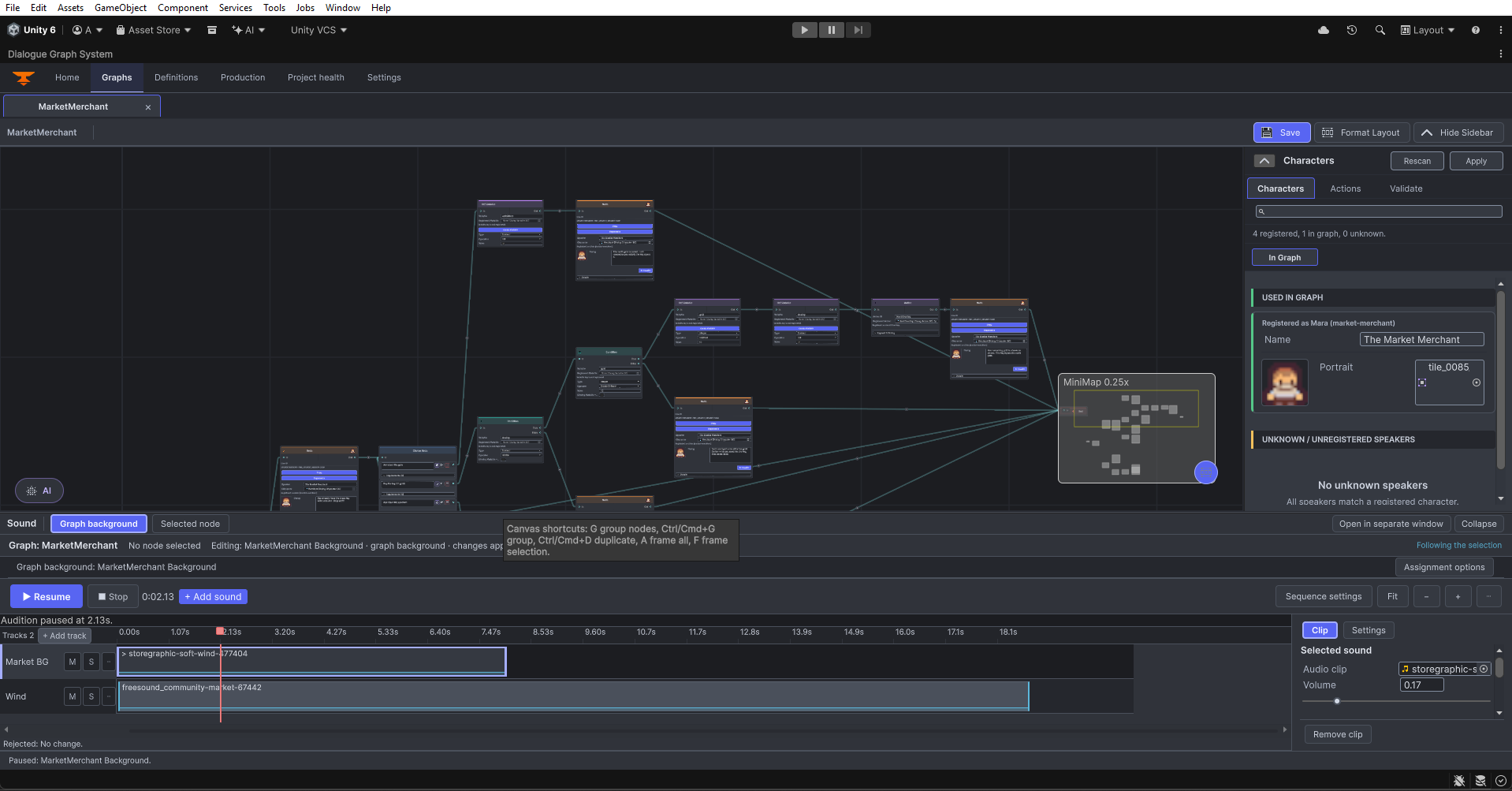
Graph Editor Overview
Choose what you want to build
Create a small graph, connect its nodes, put it in a scene, and test both answers. Start here if you are new to DGS.
Set up Banter speakers, exchanges, a collection, and a profile. Learn how to trigger a line and understand why a request is rejected.
Build a layered sound sequence, preview it, create its scene player, and bind sound to a dialogue graph.
Install the separate Providers package, choose a transport and model, and configure credentials on your own machine.
Connect the included AI Extension to your provider, make a small request, review the proposed changes, and validate the result.
Use the runtime API when a button, NPC, or gameplay event needs to start or control a conversation.
Each setup guide gives you a small working example, exact editor paths, checkpoints, and fixes for common problems. Click a screenshot to inspect the real editor at full size.
Key features
Graph-based authoring
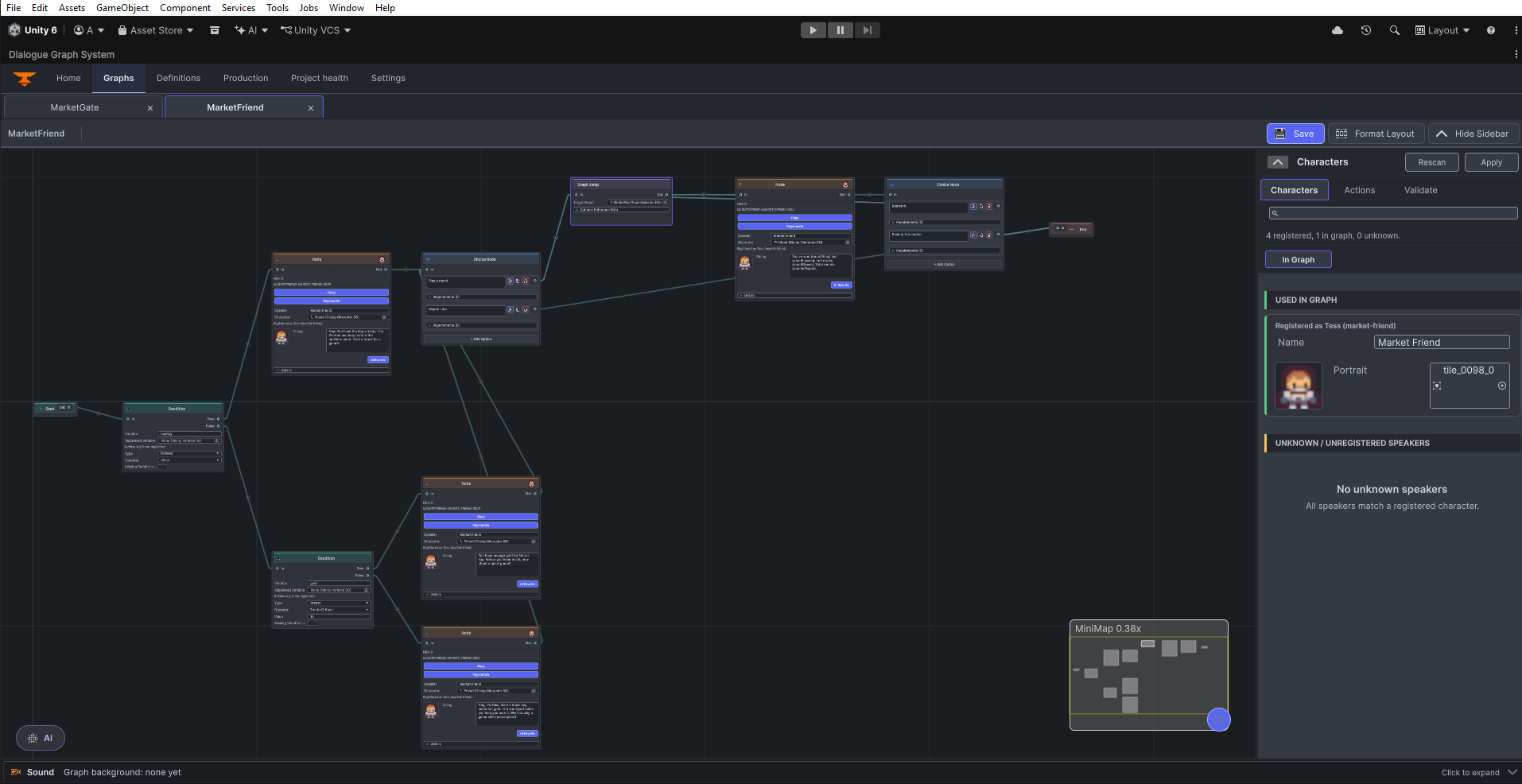
Connect dialogue, choices, conditions, variables, and gameplay actions visually. The MarketFriend overview shows the graph canvas, authoring sidebar, and minimap.
Runtime playback
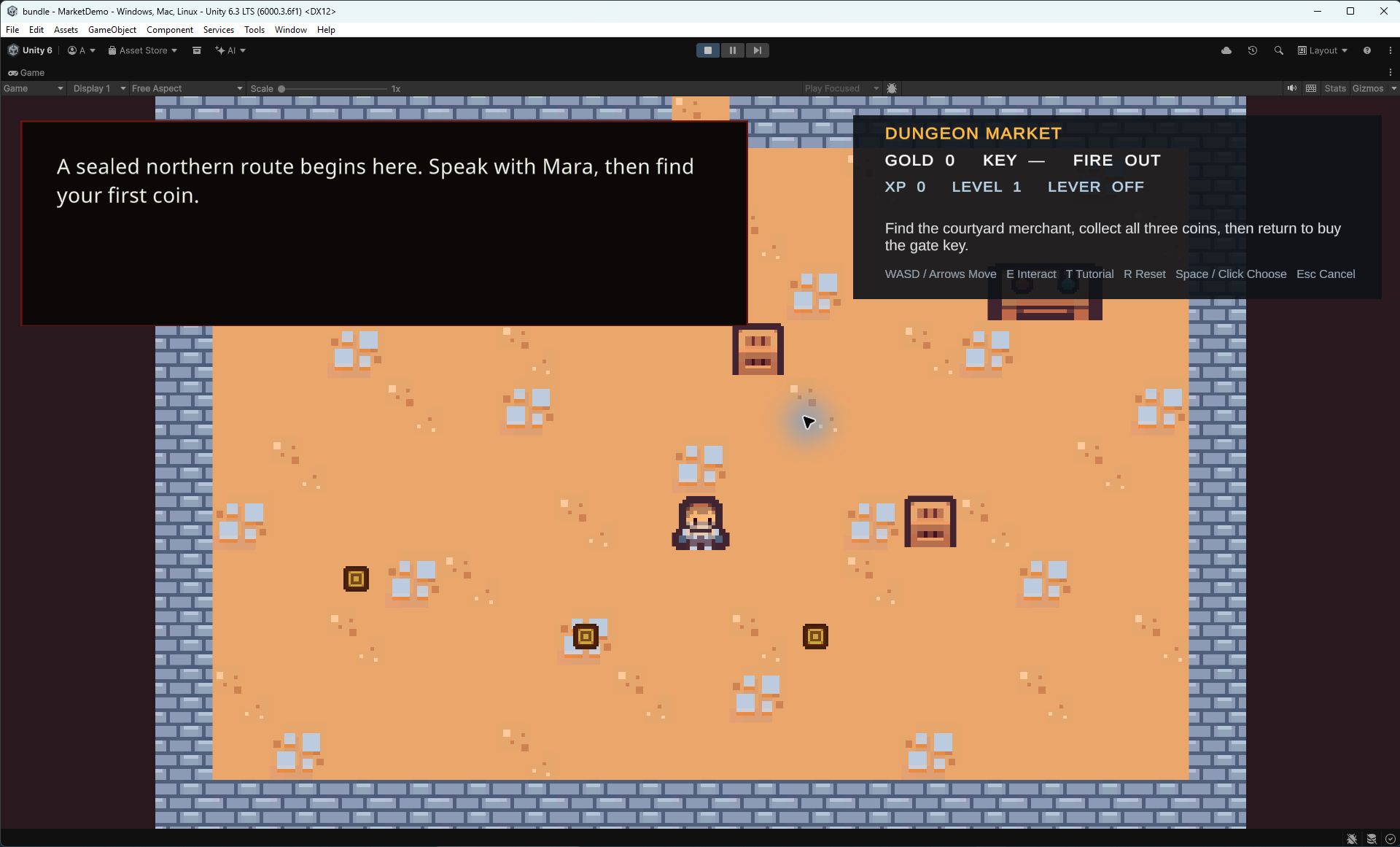
Use TextMeshPro-backed UI for speaker names, portraits, typewriter effects, skip, autoplay, and choice handling. The runtime capture shows what a working conversation looks like in Play Mode.
JSON workflows
Export and import graph JSON for backup, review, migration, and controlled external tooling.
Action nodes
Run UnityEvent bindings or coroutine-based gameplay handlers through DialogActionRunner and IActionHandler.
History and transcripts
Show a player-facing conversation backlog. Rebuild a transcript from the current graph and recorded branch choices; see the guide for limits after graph edits.
Visual themes and settings
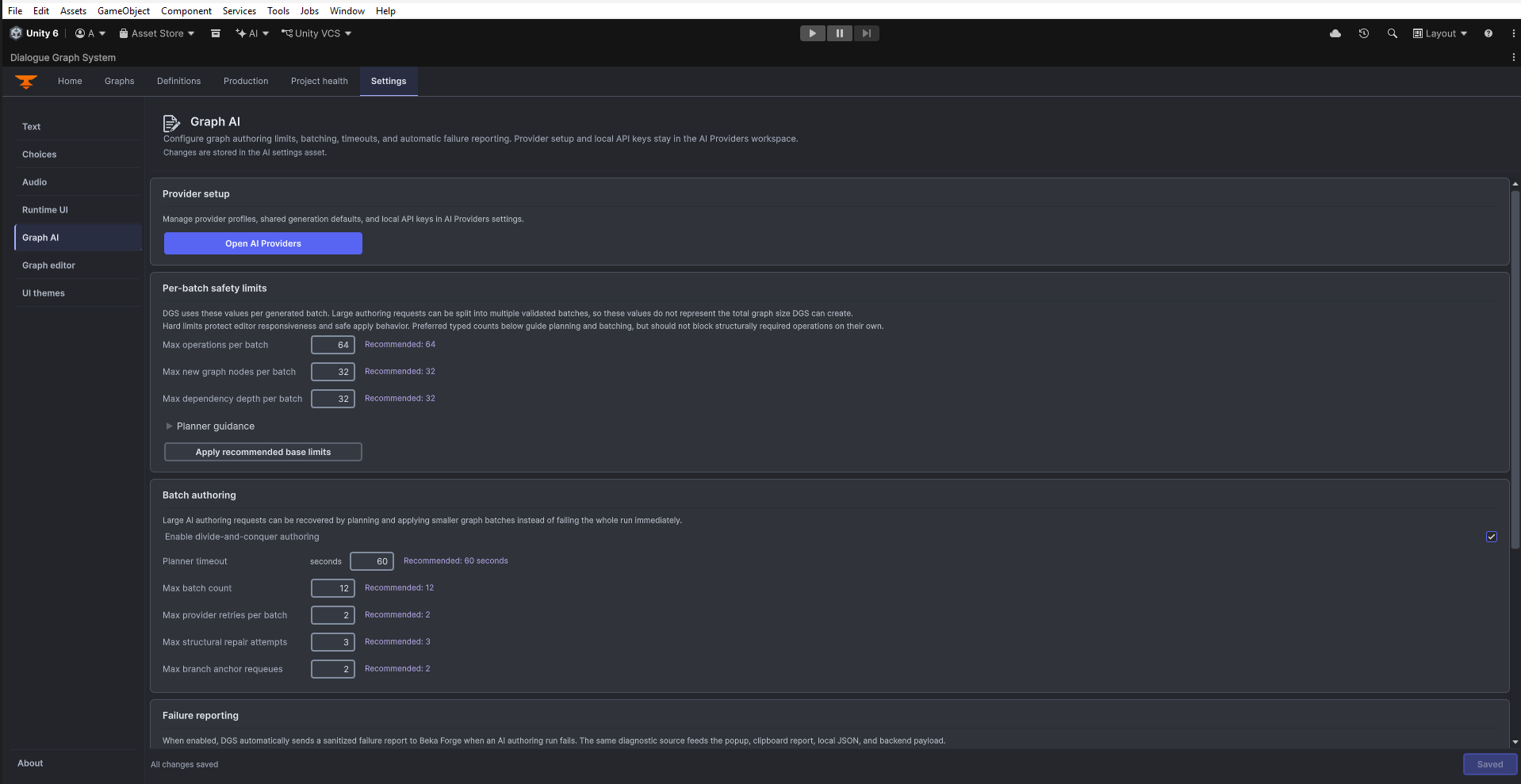
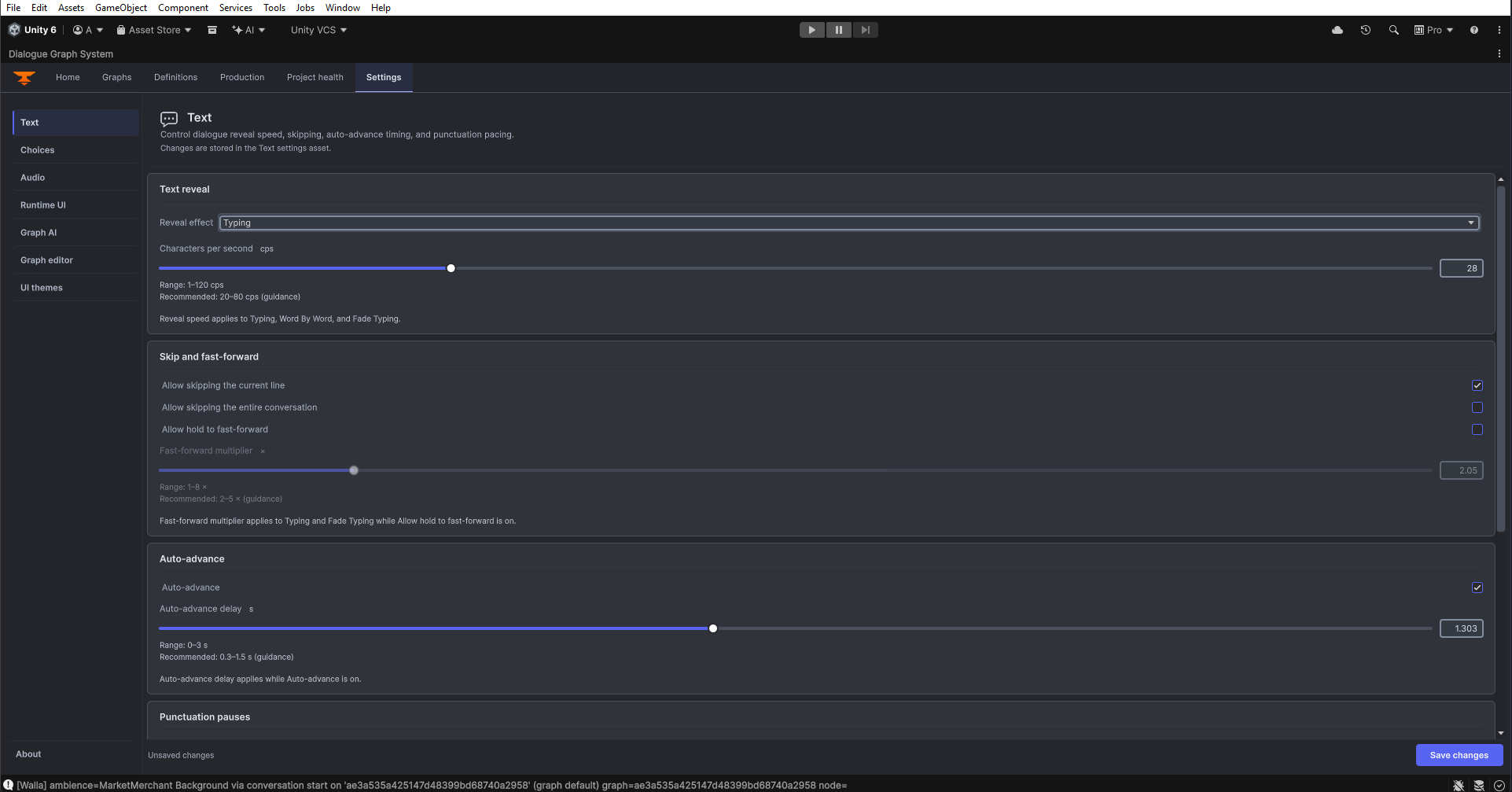
Use dialogue themes and the UI Theme Editor to configure presentation. The Settings workspace separates runtime text, choices, audio and UI from editor preferences.
Graph validation and editor cleanup
Run Validate Graph from the Graphs sidebar to review errors, warnings, and information messages. Format Layout arranges nodes.
Start here
Getting Started
Quick repo orientation, demo scenes, and the smallest runtime setup to get the system running.
Installation
Unity requirements, package assumptions, scene setup checklist, and runtime/editor setup basics.
Quick Tutorial
Create a graph, wire a dialogID, trigger playback, and inspect the branch transcript.
Architecture
Review the editor/runtime split, data flow, extension points, and current coupling boundaries.
4.0 Changelog
Review the prepared package scope and publication status.
Support
Find troubleshooting, public issue reporting, and private support channels.
License
Understand the Unity Asset Store license that applies to this package.
Examples and common workflows
Node Reference
Fields, ports, browser examples, and Unity steps for every node kind.
Inspector Reference
Contextual setup notes for assets and scene components.
Camera, Interaction, and UI
Configure camera IDs, interaction prompts, UI appearance, and locales.
Create a dialog graph
Build a branching conversation, map it to a dialogID, and trigger it from gameplay code.
Integrate action nodes
Connect action nodes to UnityEvents or async handlers without overloading the dialogue layer.
Review JSON workflows
Understand export/import responsibilities, DTO mapping, and the safest way to move graph content between tools.
Review history and transcripts
Understand the difference between the history panel and exact branch transcript reconstruction.
Included sample entry point
Open Assets/Beka Forge/Dialogue Graph System/Samples/2DMarketDemo/Scenes/MarketDemo.unity and press Play to explore the bundled Dungeon Market integration sample.
| Scene | Purpose |
|---|
MarketDemo.unity | Dialogue, Banter, Camera Controller, and Interaction integrated in one sample scene. |